Onboarding and How to Create Your First App
Welcome to Swiftspeed
Swiftspeed makes it easy to build native iOS, Android, and PWA apps without writing a single line of code. This guide walks you through creating your very first app.
Step 1: Sign Up and Log In
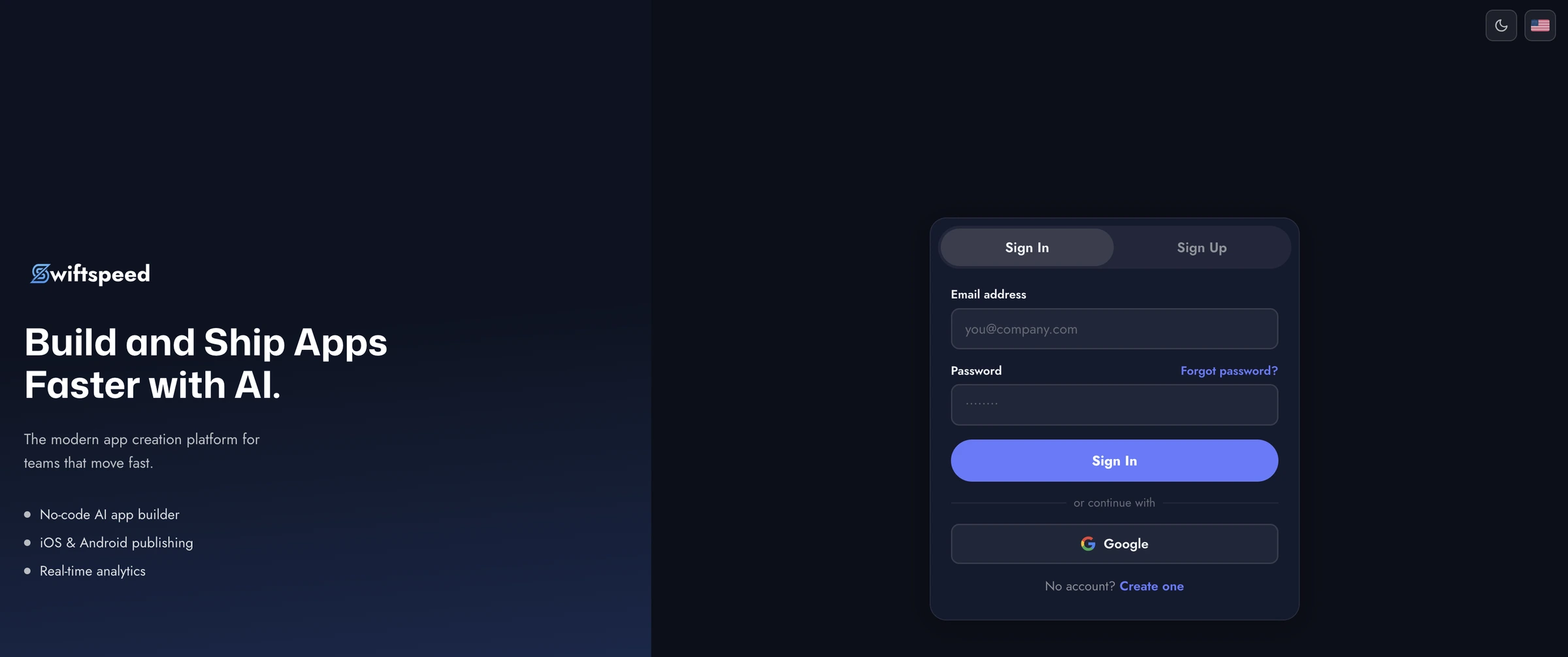
Visit the Swiftspeed editor and create your account. You'll be taken straight to your dashboard where you can manage all your apps.
Step 2: Create a New App
From your dashboard, click the "Create New App" button. You'll be asked to provide:
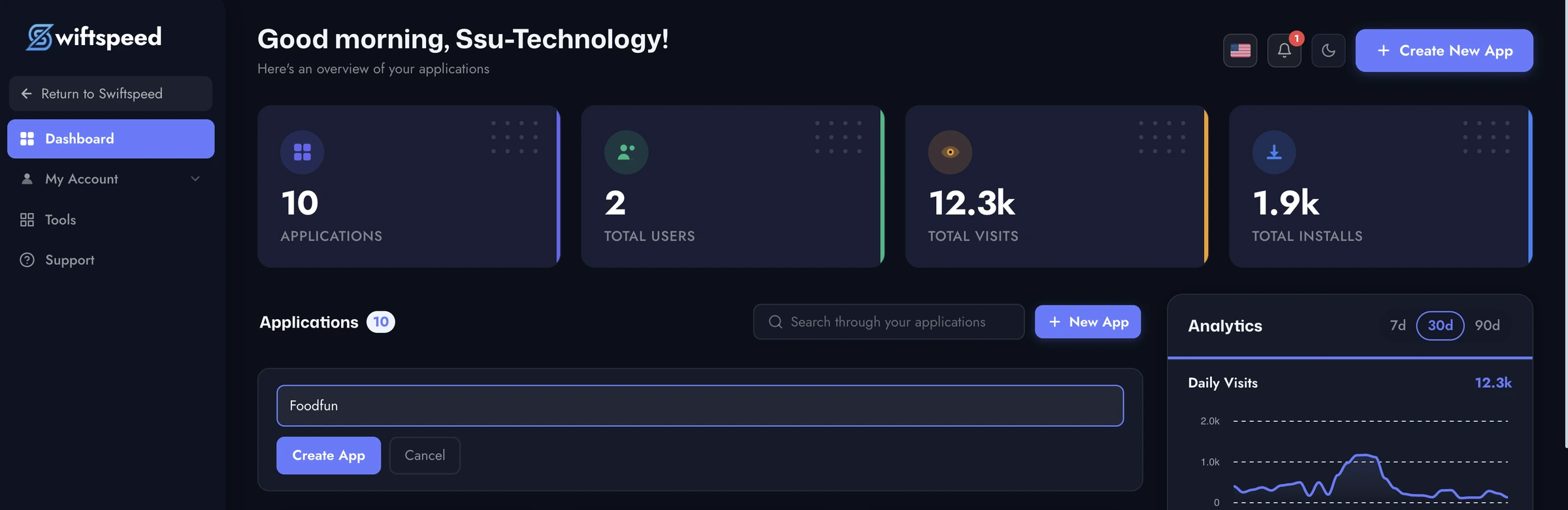
App Name - The name that will appear on your app icon and in the app stores
App Description - A brief description of what your app does
The AI assistant can also help you set up your app automatically based on your description.
Step 3: Choose a Template
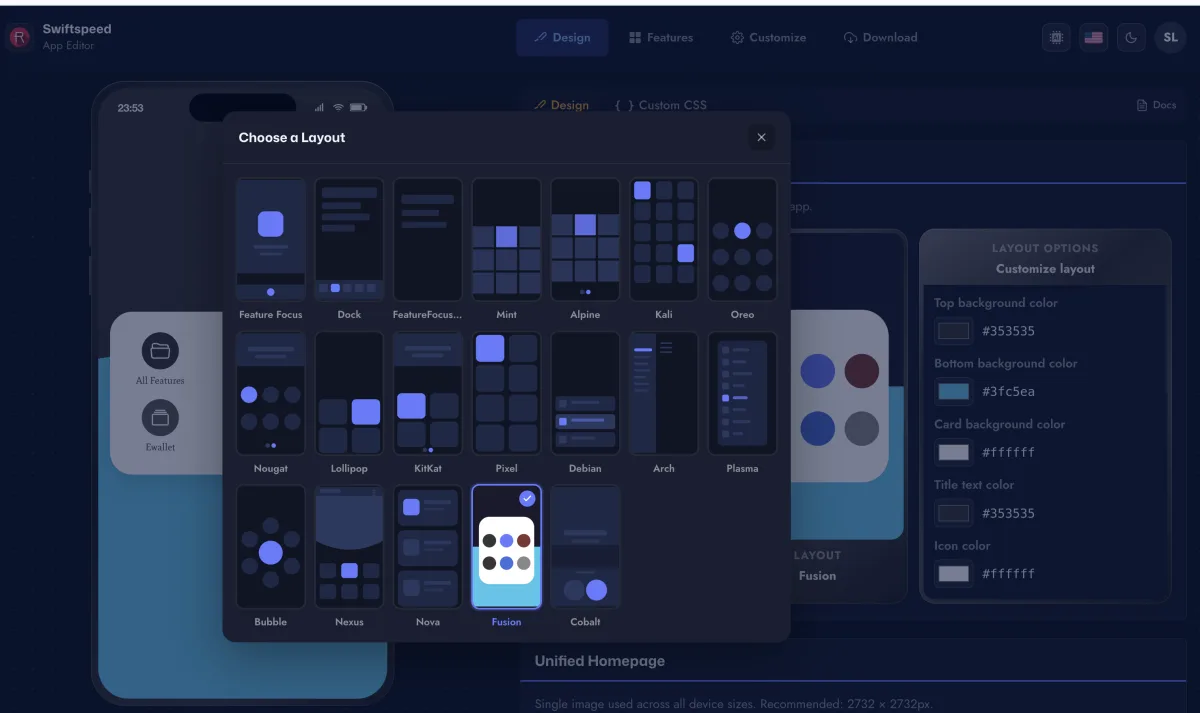
Swiftspeed offers a variety of professionally designed templates and homepage layouts. Browse through the options and pick one that matches your brand or industry. You can always change it later.
Step 4: Add Features
Navigate to the Features section in the editor. Here you can add functionality to your app:
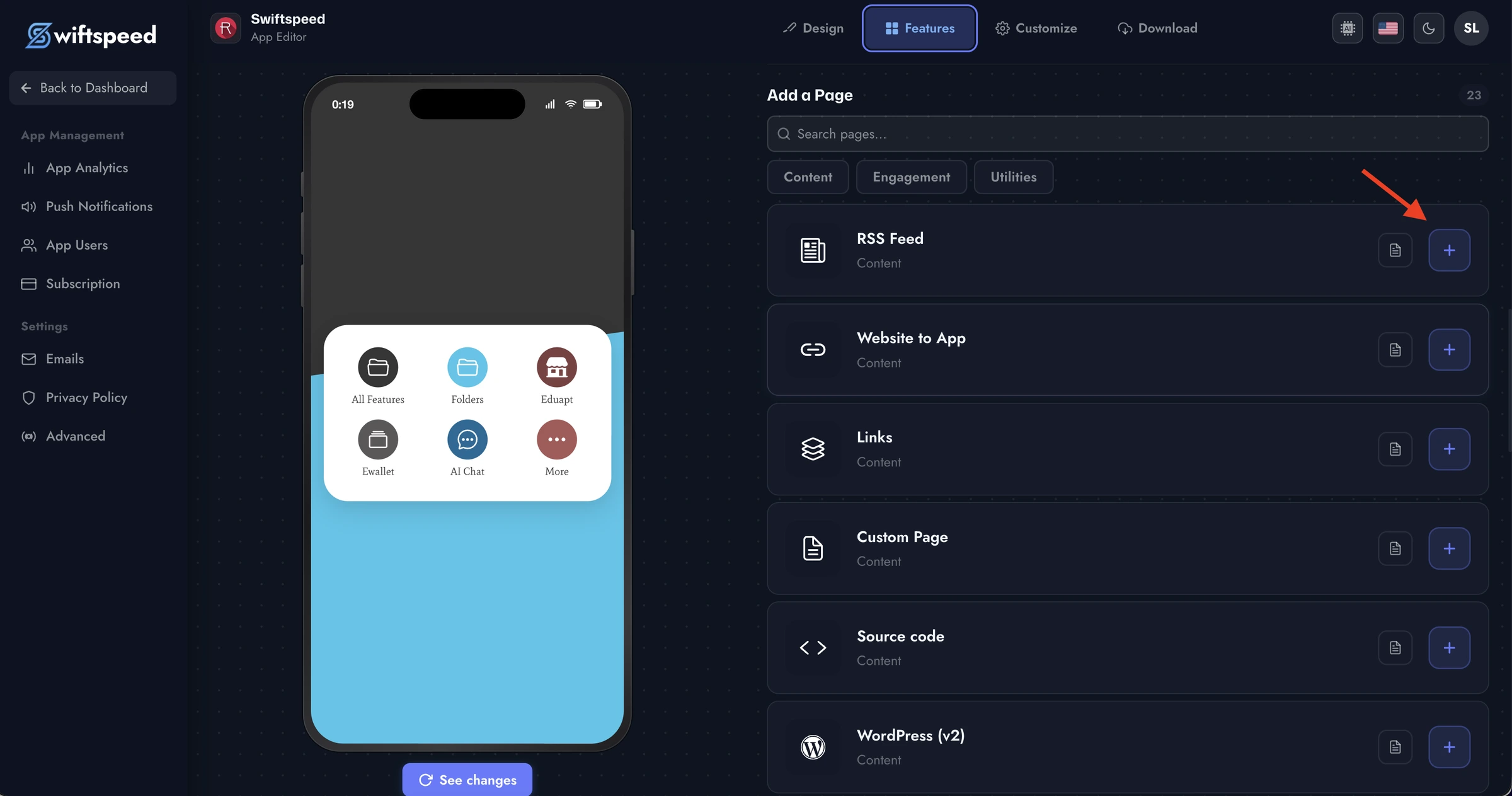
RSS feeds for news and blog content
E-commerce with WooCommerce integration
Audio streaming and radio
Contact forms and booking systems
Push notifications
And many more
Step 5: Customize Your Design
Use the Design section to customize your app's colors, fonts, and layout. The live preview updates in real-time so you can see exactly how your app will look.
Step 6: Preview Your App
The editor includes a live preview panel that shows your app exactly as it will appear on a mobile device. Test navigation, scroll through content, and verify everything looks perfect.
Next Steps
Once you're happy with your app, you can:
Download your APK for Android testing
Set up your PWA for instant web access