The iPhone app builder that gets you on the App Store
Build a native iPhone app without writing Swift or Objective-C. Swiftspeed's visual iPhone app builder generates IPA files and Xcode projects ready for the Apple App Store in minutes, not months.
Build iPhone apps without coding
An iPhone app builder is a platform that lets you create native iOS applications without writing Swift or Objective-C code. Swiftspeed is the most complete iPhone app builder available, giving you a visual editor, tons of pre-built features, and a direct path to the Apple App Store.
Unlike website wrappers that Apple routinely rejects, the Swiftspeed iPhone app builder compiles your app into a real native binary using Capacitor. Your iPhone app runs with smooth 60fps animations, native iOS transitions, Face ID support, and push notifications.
How to build an iPhone app in four steps
No Xcode. No Swift. No provisioning profile headaches. The Swiftspeed iPhone app builder handles everything from design to App Store submission.
Create your app
Sign up and name your iPhone app. The AI assistant can configure your app based on a description, or start from scratch in the visual builder.
Add features
Toggle on the features you need: e-commerce, push notifications, booking, audio, forms, and more. Each feature is fully configured through the visual editor.
Customize design
Pick colors, themes, and layouts. Upload your icon and splash screen. Preview every change live on a real iPhone device frame.
Build and publish
Generate your Xcode source code project. Open it in Xcode, build and archive, then submit to App Store Connect. Your iPhone app is live.
Everything your iPhone app needs. Built in.
The Swiftspeed iPhone app builder comes packed with iOS-native features that would take a development team months to build from scratch.
Apple App Store Publishing
Our iPhone app builder generates Xcode source code projects and handles certificate management. Download your project, open it in Xcode, and submit to App Store Connect. No command line, no provisioning headaches.
Push Notifications
APNs (Apple Push Notification service) built in. Send rich push notifications with images, sounds, and deep links to your iPhone app users.
E-Commerce Store
Full storefront with products, categories, cart, checkout, and order management. Sell directly from your iPhone app with Apple Pay support.
Native iOS UI
iOS-native page transitions, swipe-back gestures, haptic feedback, and safe area support. Your iPhone app looks and feels like it was hand-coded in Swift.
Monetize Your iPhone App
AdMob ads, in-app purchases, e-commerce, and subscription models. The iPhone app builder includes every revenue channel to earn money from your iOS app on the App Store.
Audio Streaming
Music, podcasts, and radio with background playback.
Booking System
Appointments, time slots, and calendar management.
Direct Messages
In-app chat between users and your team.
Digital Wallet
Peer-to-peer payments and balance tracking.
WordPress
Pull posts from your WP site into your iPhone app.
RSS Feeds
Auto-sync content from any RSS source.
Custom Forms
Leads, surveys, and feedback collection.
Quizzes
Interactive quizzes with scoring and results.
iPhone apps built with Swiftspeed
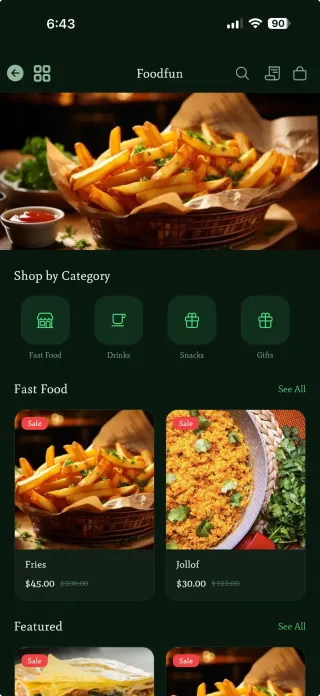
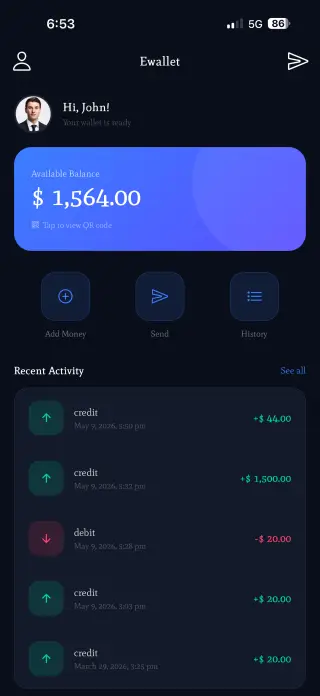
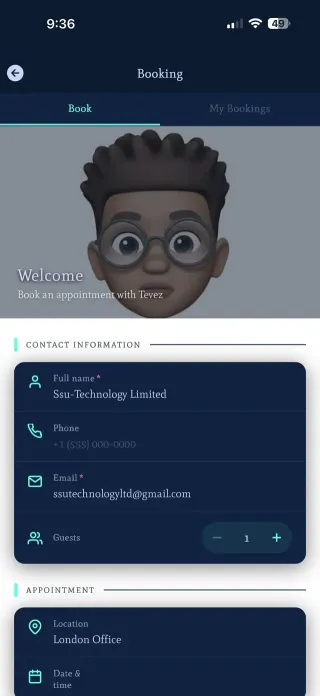
Businesses use our iPhone app builder to create e-commerce stores, music players, booking apps, digital wallets, and more for the App Store.


Why choose Swiftspeed as your iPhone app builder
There are many iPhone app builders, but Swiftspeed is the only one that gives you native iOS performance, full Xcode source code ownership, and a direct path to the App Store.
Real Native iOS Builds
Unlike web wrappers that Apple rejects, the Swiftspeed iPhone app builder compiles your app into a real native binary using Capacitor. Your iPhone app performs identically to hand-coded Swift apps.
Full Xcode Source Code
Export your complete Xcode project. Open it locally, add custom Swift code, install Capacitor plugins, or hand it to an iOS developer. No lock-in, no dependency on Swiftspeed.
AI-Powered Setup
Describe what your iPhone app should do and the AI agent configures everything: features, colors, content, and settings. Your app is ready to preview in seconds.
Visual Editor with Live Preview
See your iPhone app update in real time as you make changes. Toggle features, change colors, rearrange layouts, and test navigation without ever leaving the browser.
Tons of Built-In Features
Commerce, push notifications, booking, audio streaming, forms, direct messages, digital wallets, WordPress, RSS, quizzes, and more. Everything is included, nothing is a paid add-on.
Affordable for Everyone
Hiring an iOS developer costs $20,000 to $150,000+. With the Swiftspeed iPhone app builder, plans start from just $15/month.
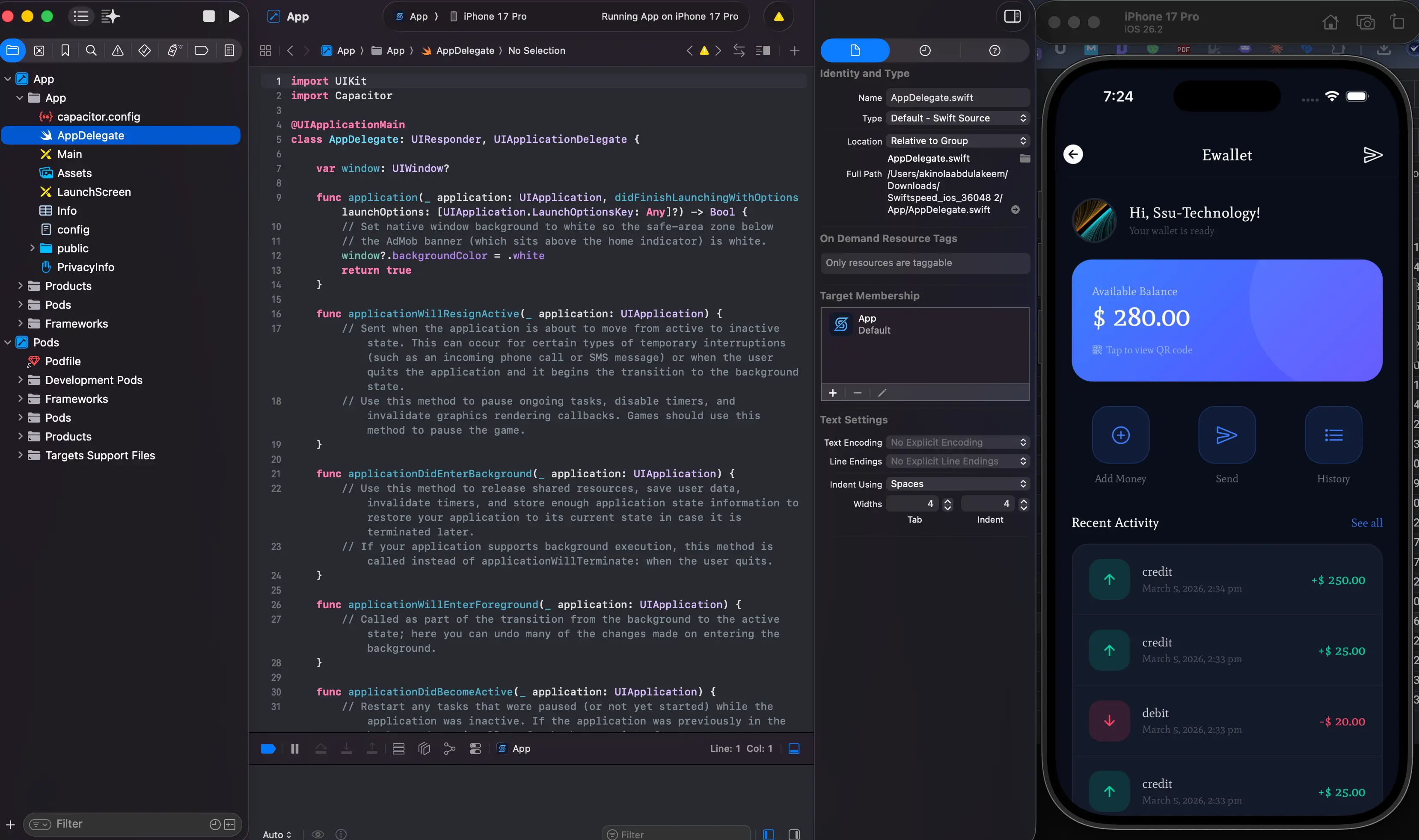
Export your Xcode project and own every line
The Swiftspeed iPhone app builder exports a standard Capacitor project you can open in Xcode. No lock-in, no proprietary format. Your iPhone app code, your terms.
A Swiftspeed iPhone app imported into Xcode and running on an iPhone simulator.
Standard Xcode project
Your export is a real Capacitor project with AppDelegate.swift, Podfile, Info.plist, and a full Xcode workspace. Not a proprietary format. Any iOS developer can open and understand it.
Add custom Swift code
Install Capacitor plugins, integrate third-party SDKs like Firebase or Stripe, add custom Swift code, or modify any iOS setting. The source code is yours to extend without limits.
Build independently forever
Once exported, the Xcode project compiles on its own. No API calls back to Swiftspeed, no license checks, no runtime dependency. Archive, sign, and submit from your own Mac.
Built to pass Apple's review
Apple rejects apps that are thin web wrappers. The Swiftspeed iPhone app builder generates real native iOS apps with proper native navigation, hardware API access, and offline functionality that meet Apple's App Store Review Guidelines.

Swiftspeed iPhone app builder vs. hiring an iOS developer
Frequently asked questions about the iPhone app builder
Ready to build your iPhone app?
Start with the Swiftspeed iPhone app builder. Build your app, test it in the live preview, and publish to the App Store when you are ready.