Publish Marketing: Rate My App and Social Follow
What is the Publish Marketing Page?
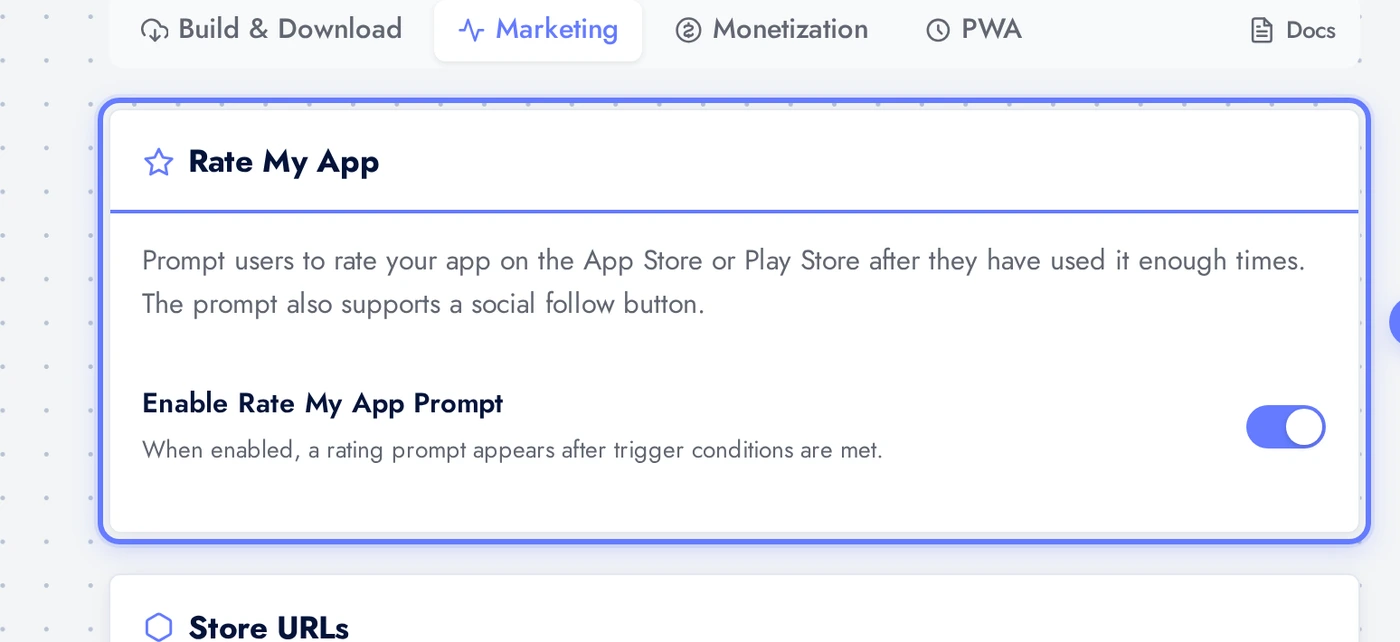
The Publish > Marketing page in the editor is where you configure how your app asks for reviews and social follows. The native app shows a rate-my-app prompt at the moment of highest user satisfaction (after N launches, after N days, after a configurable event), routes happy users straight to App Store or Play Store, and offers a follow link for social media so even users who do not rate stay in your funnel.
Configuration is divided into four cards: master toggle, store URLs, social follow, and trigger settings.
Where to Find It
Click Download in the top bar, then Marketing. You land on the rate-my-app configuration.
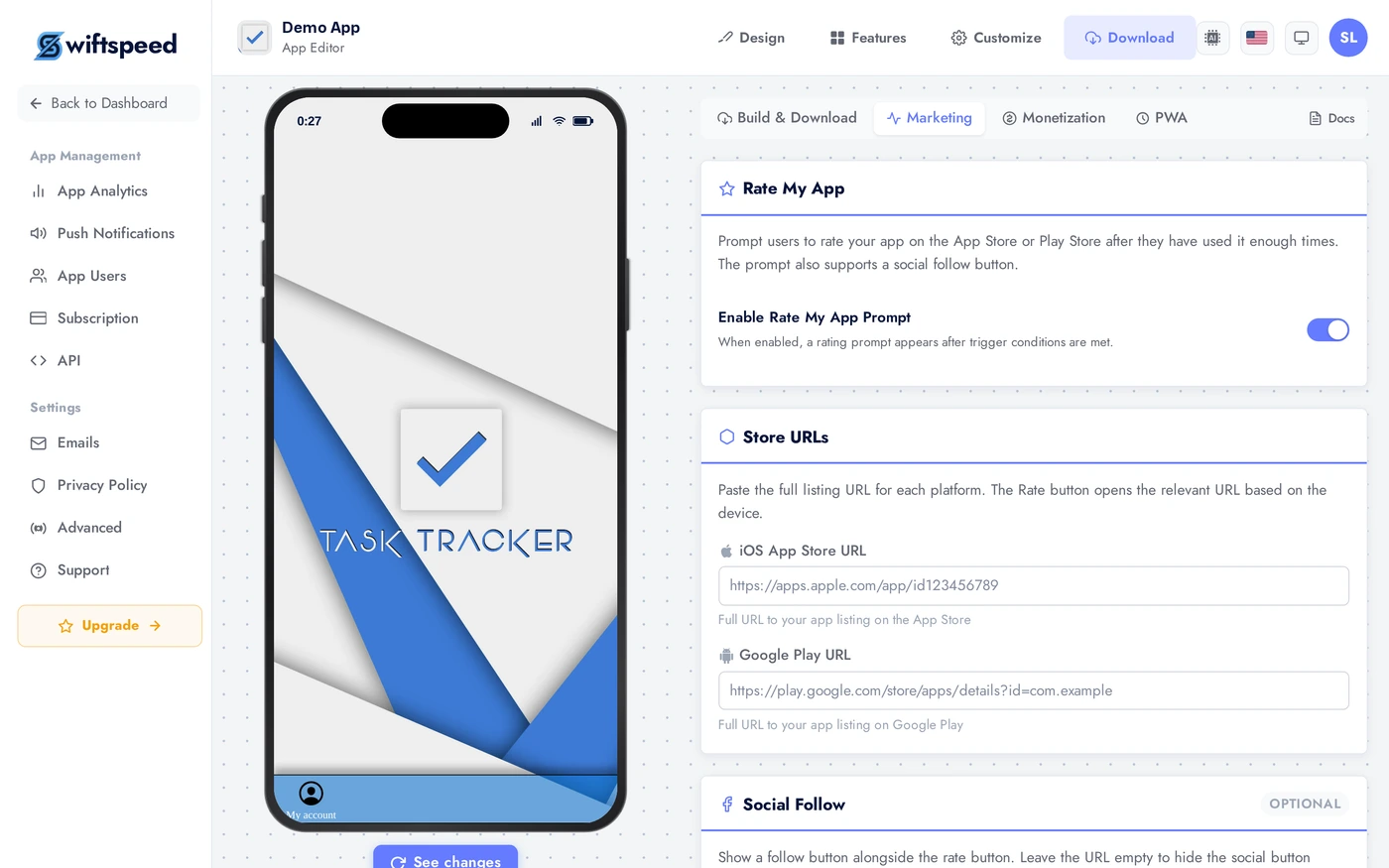
Master Toggle: Enable Rate My App
The top card is the master toggle. When off, no prompts are shown anywhere in your app. When on, the rest of the configuration becomes editable. Turning this off is the kill switch if you ever need to disable rate prompts globally without removing the configuration.
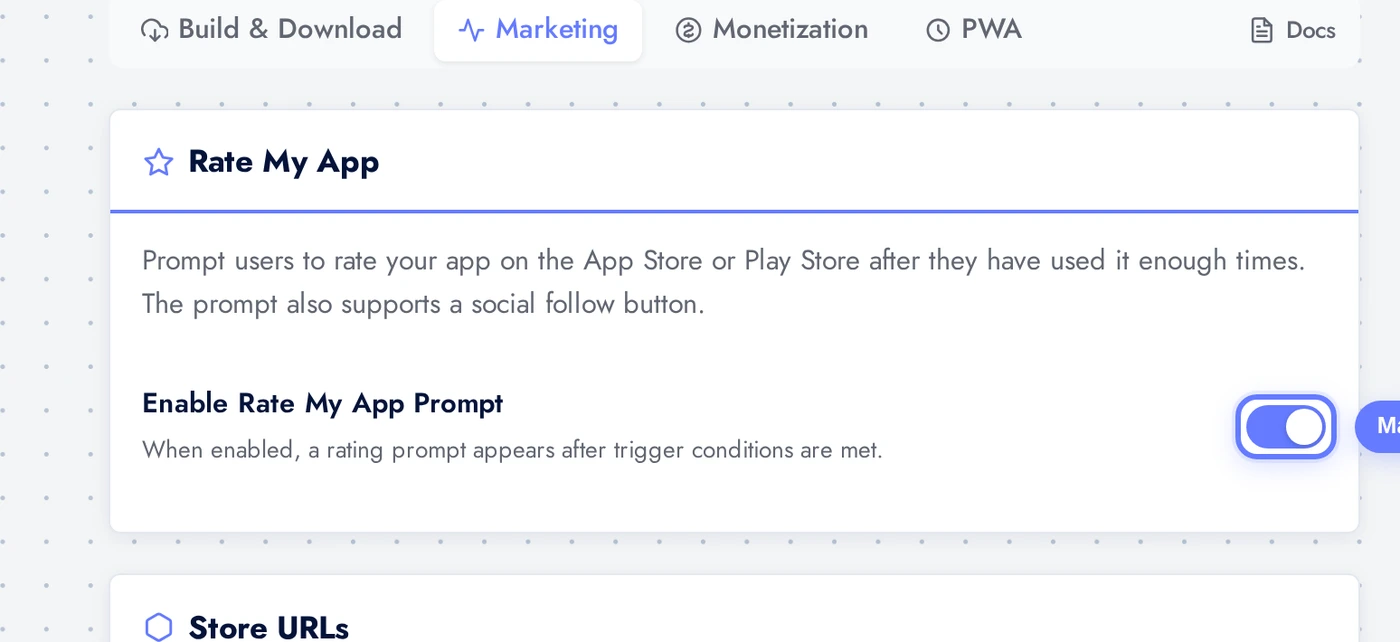
Store URLs
Paste your live App Store URL and Google Play URL here. The native app picks the right one based on the user's device (iOS users go to App Store, Android users go to Play Store). Find the URL in App Store Connect (My Apps > [your app] > URL) and Google Play Console (Store presence > Store listing).
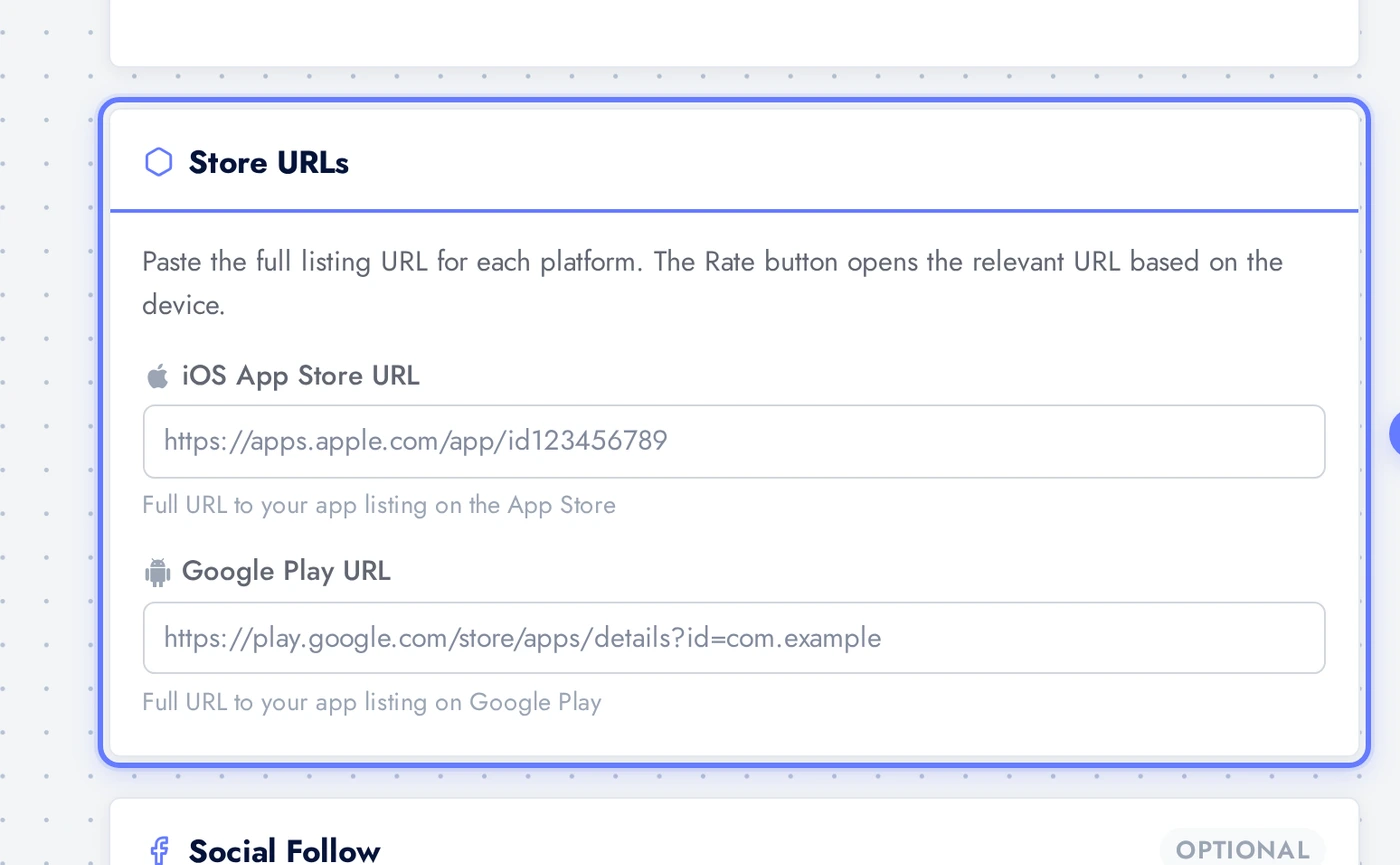
Social Follow
Optional. Adds a "Follow us on Instagram" (or any social platform) CTA below the rate prompt. Useful because even users who skip the rating may follow the brand. Set the URL and the button label; the prompt automatically hides this row if either field is blank.
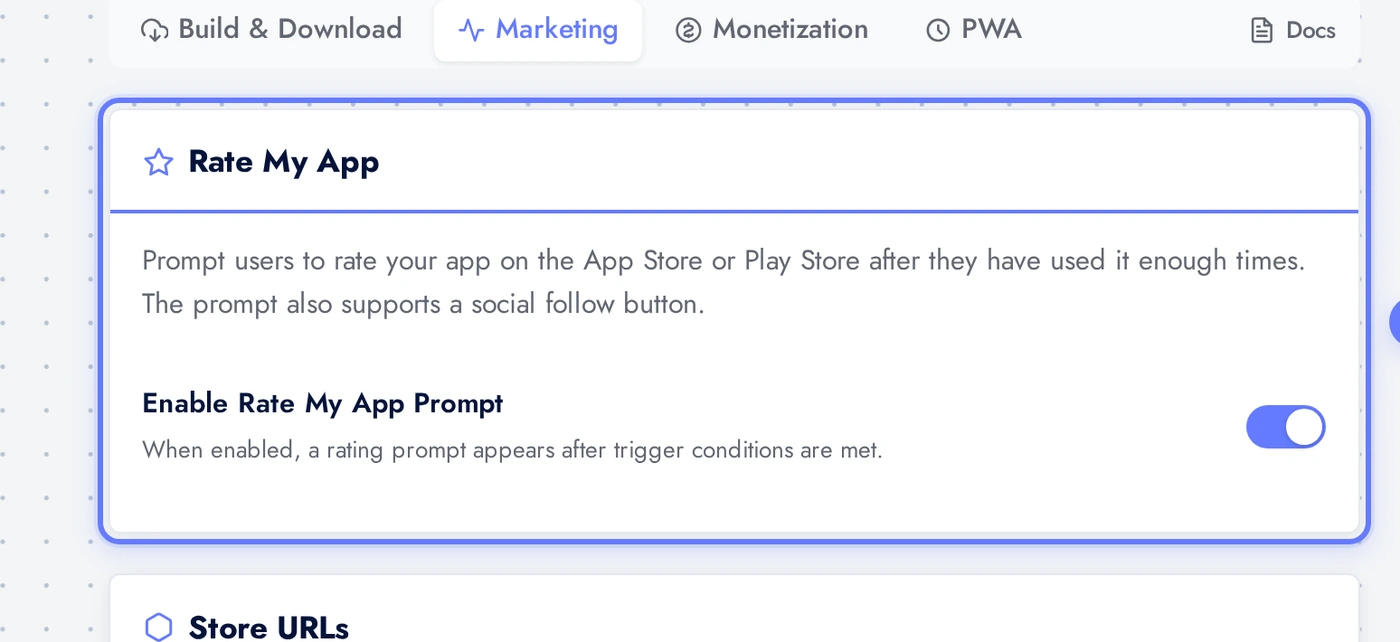
Trigger Settings
When the prompt shows. Min launches is the number of times the user must open the app before being asked (default 3 to 5). Min days is the minimum number of days since first install. Remind days is the gap before re-asking a user who deferred. Defaults are sensible; tweak only if you have data on user fatigue.
Tips
- Always set both store URLs before turning on Rate My App. Without them the prompt hides because there is nowhere for users to leave a review.
- Default trigger settings (3 launches, 3 days, 14 day reminder) work for most apps. Tighten only if your app gets daily use; loosen for once-a-week tools.
- Pair Rate My App with the ReviewPro feature if you want unhappy reviewers routed to a private inbox instead of the public store. ReviewPro intercepts the 1-3 star ratings before they post publicly.
- Social follow CTA boosts retention. Users who follow you on social are 5x more likely to open the app again than non-followers.
- Update store URLs immediately after the first launch. Apple's App Store URL has the numeric app ID baked in (
apps.apple.com/app/.../id1234567890); the URL from Google Play Console is the canonical path.