Fitness Studio Feature
What is the Fitness Studio Feature?
The Fitness Studio feature turns your Swiftspeed app into a complete fitness business platform: workout library, structured programs, memberships, members directory, live streaming, and payments. Suitable for trainers, gyms, yoga studios, fitness coaches, and online-only fitness businesses.
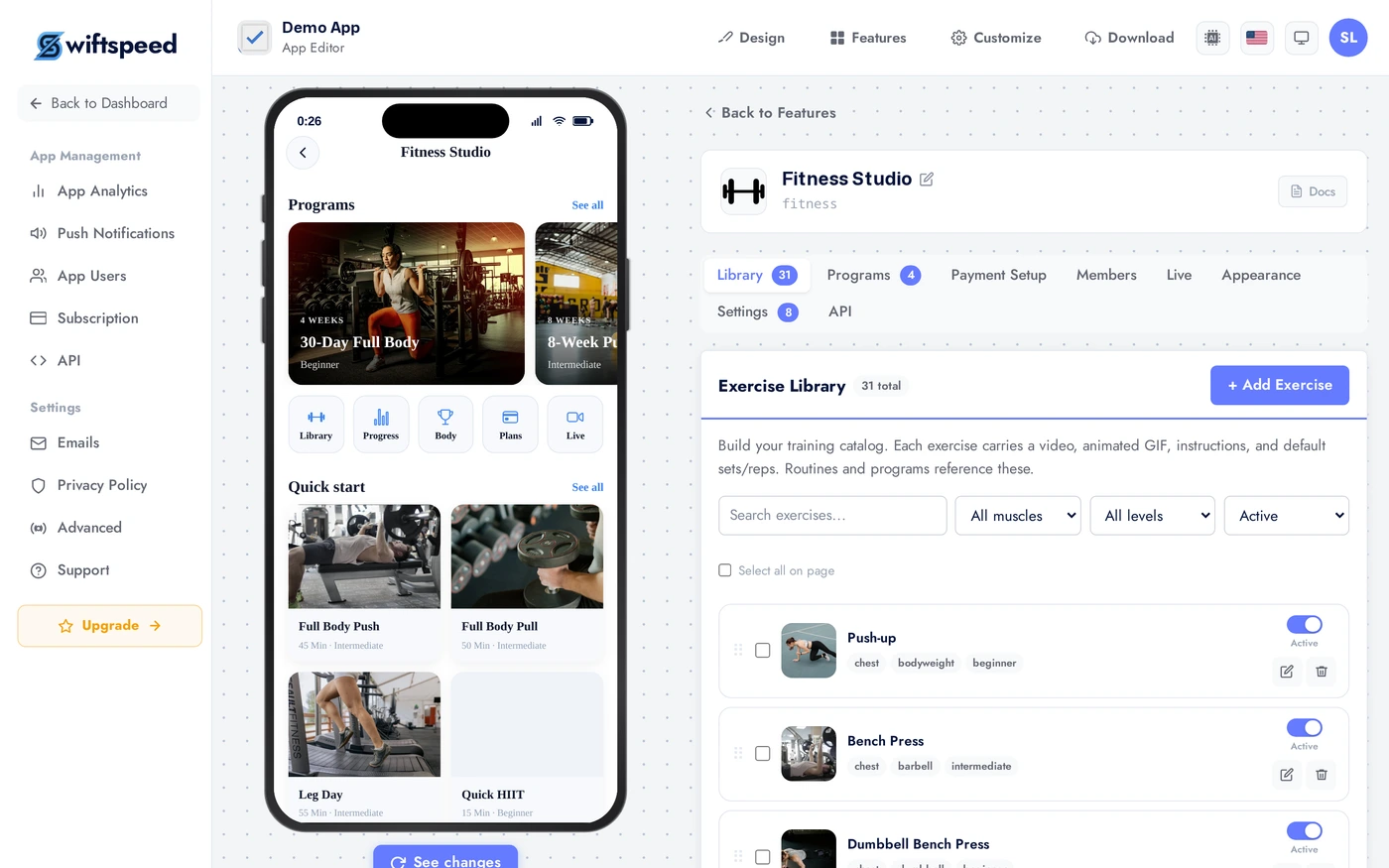
Eight tabs in the editor map to the major surfaces of a fitness business. The Members tab is your CRM, the Library is your content, Programs is your sales engine (multi-day plans), Payment Setup is how you charge, Live is for streaming.
Adding the Fitness Studio Feature
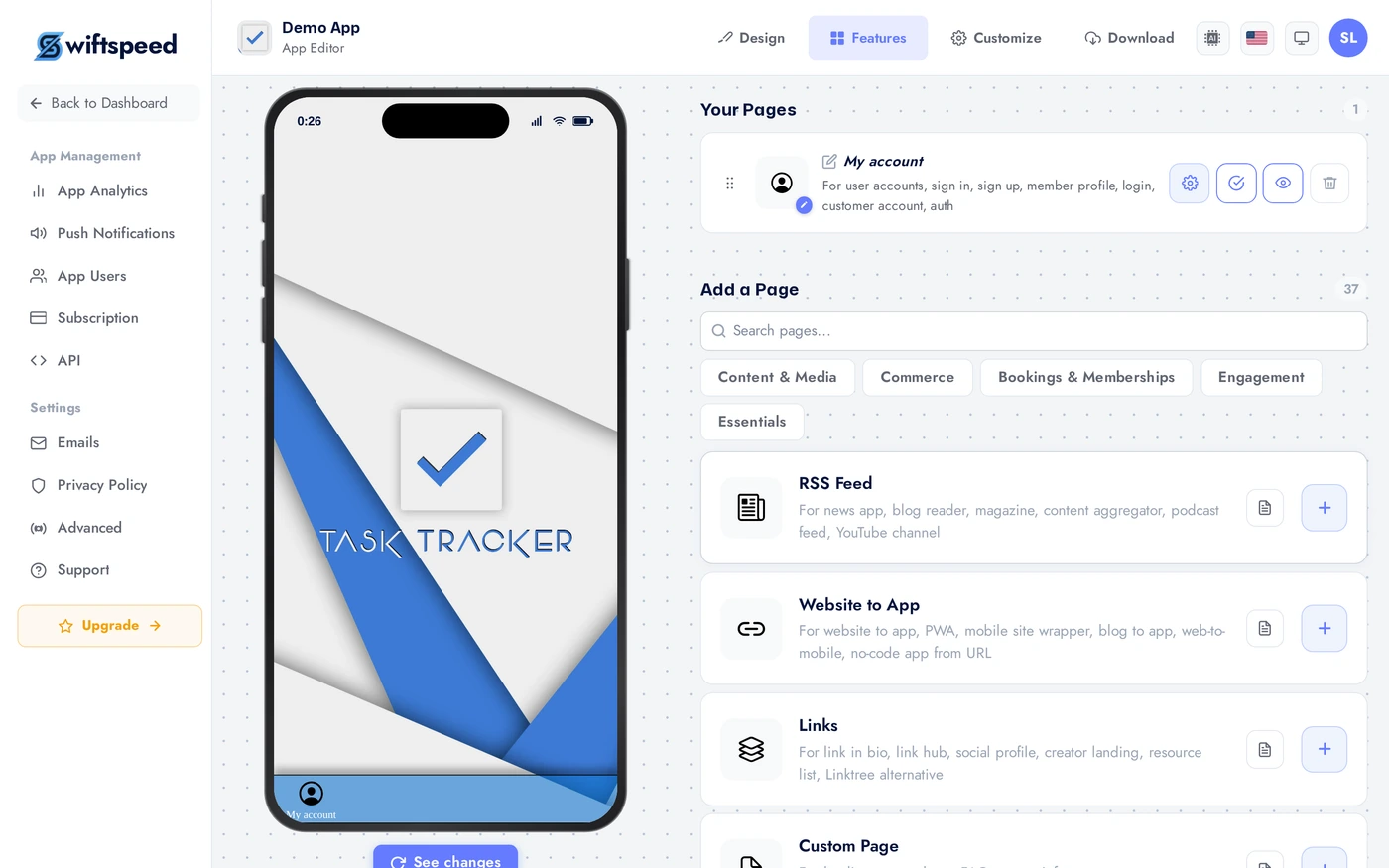
In the App editor, click Features in the top bar.
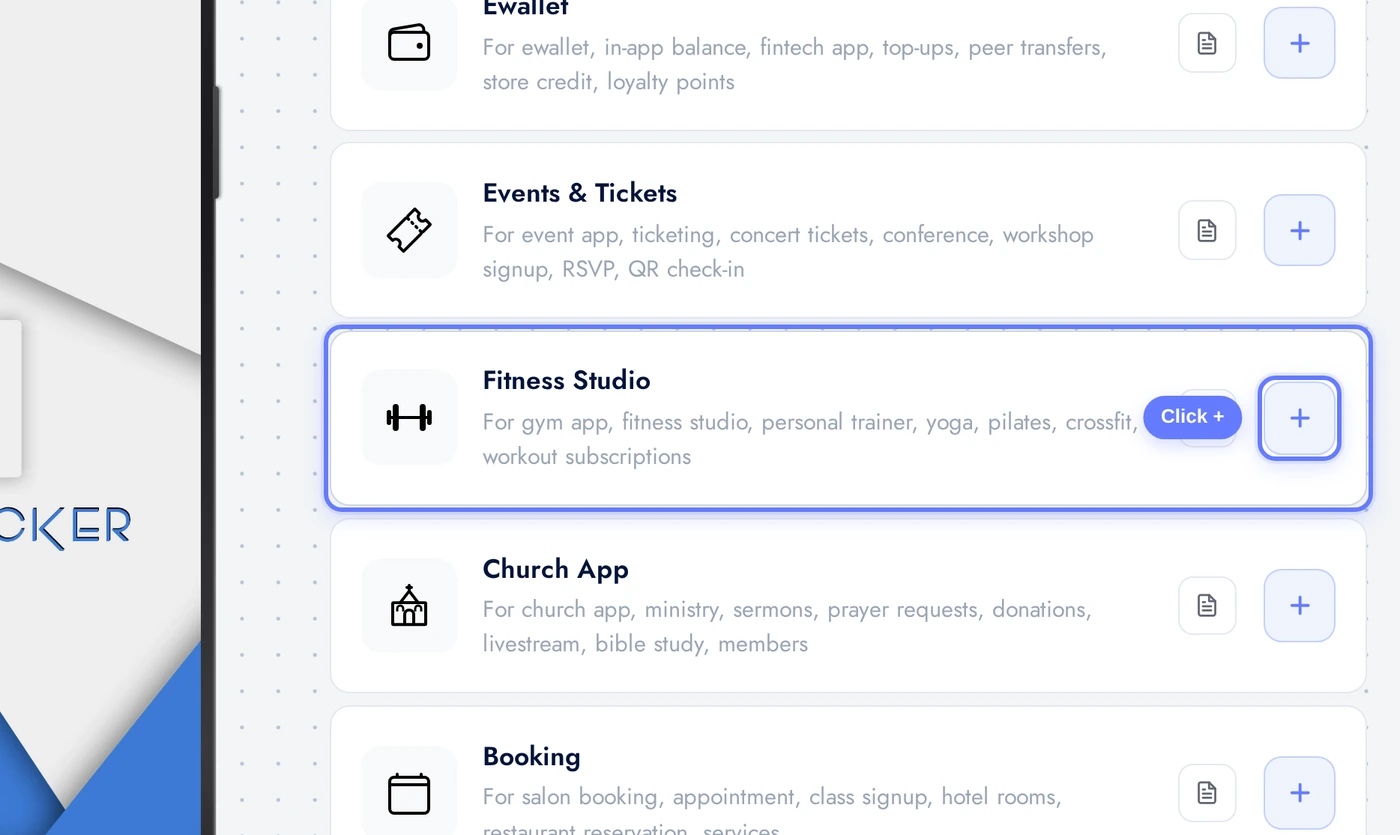
Find the Fitness Studio card and click the + button.
Library Tab: Workouts and Content
The Library tab is your content library. Upload workout videos (strength, cardio, yoga, mobility, recovery), audio meditations, written guides. Each item has a title, description, thumbnail, duration, category. Categorise so the in-app search and filter chips work for users.
Programs Tab: Multi-Day Plans
Programs are structured multi-day plans built from Library items. Examples: "30-Day Strength Builder", "Beginner Yoga Foundations". Each program has a name, description, cover image, duration in days. Each day has its own set of workouts. Programs can be free or gated behind a Membership tier (set in Payment Setup).
Payment Setup Tab: Memberships
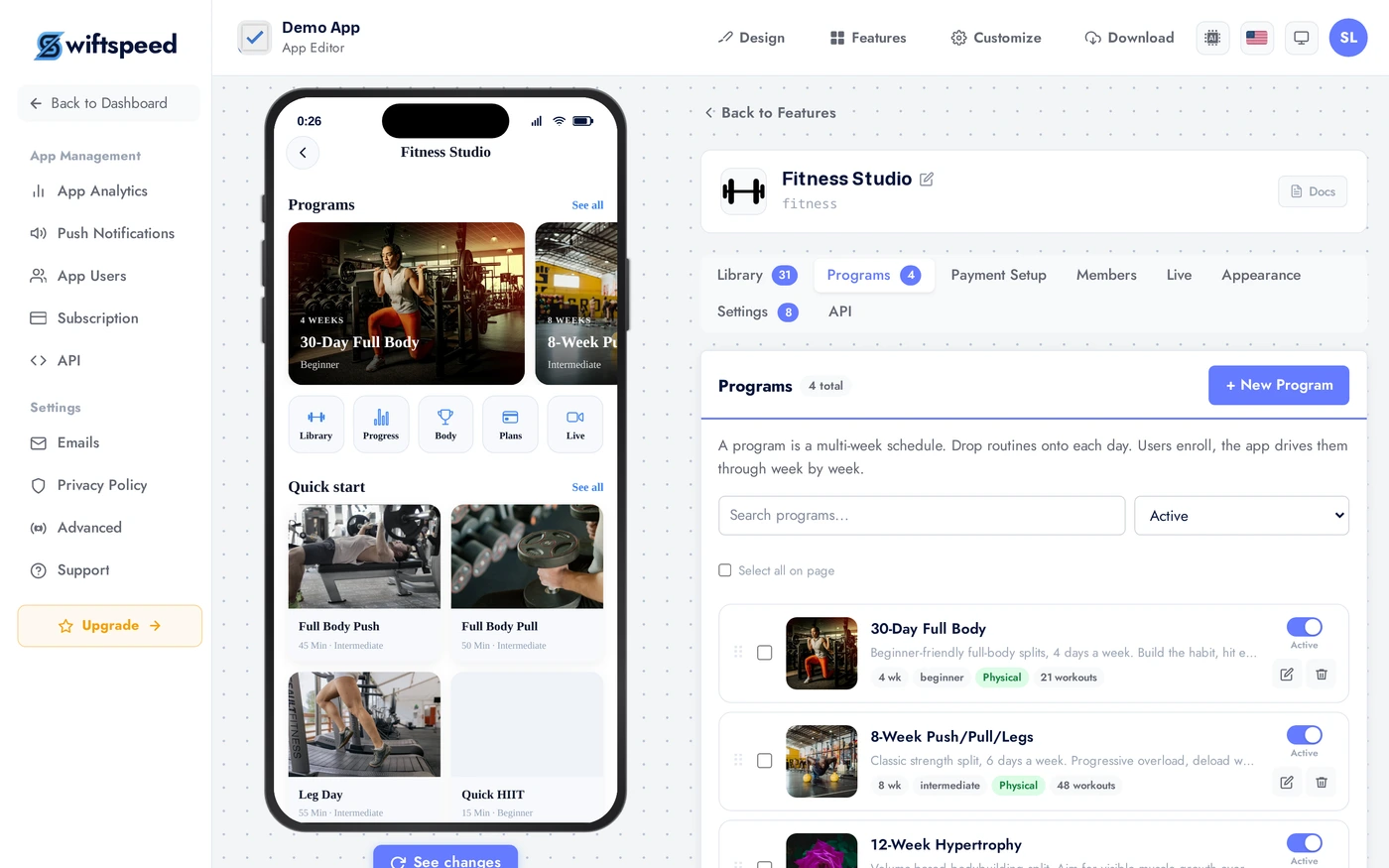
Define paid membership tiers. Each tier has a name, price, billing period (monthly or yearly), and which programs and library items it unlocks. Free trial periods supported. Connect Stripe or Paystack in the editor's Publish Monetization page. A 7-day free trial typically converts 10 to 30 percent of trial users to paid.
Members Tab
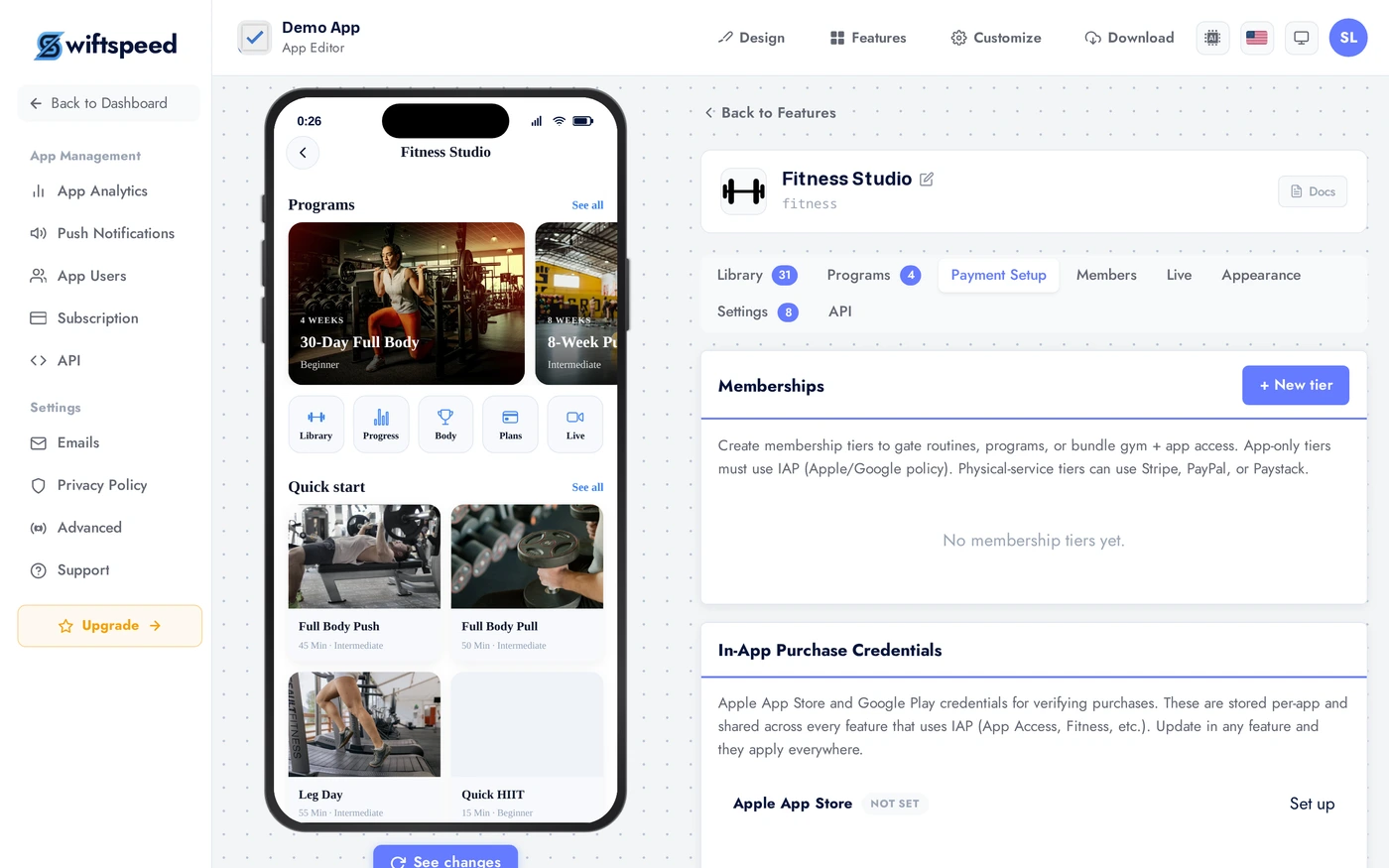
See every member, when they subscribed, what they have access to. Filter by plan, status, last active date. Cancel for them, manually grant comp memberships, export to CSV. This is your CRM and your churn dashboard in one.
Live Tab: Streaming Classes
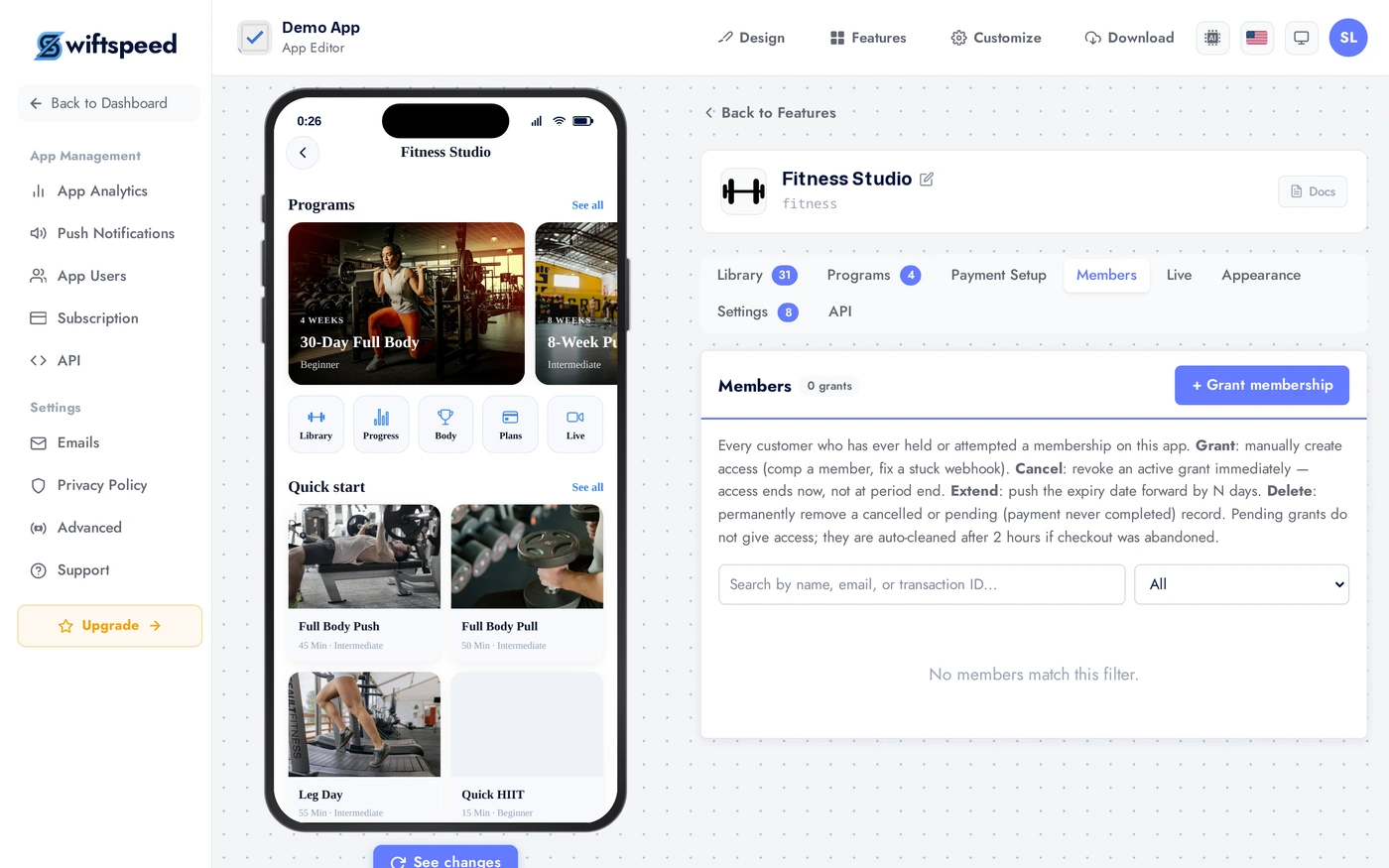
Schedule live classes with a streaming URL (Zoom, YouTube Live, Vimeo, your own RTMP). Members see the class on their calendar, get a push notification 15 minutes before, join with one tap. Recordings of live classes can be auto-added to the Library when the stream ends.
Appearance and Settings
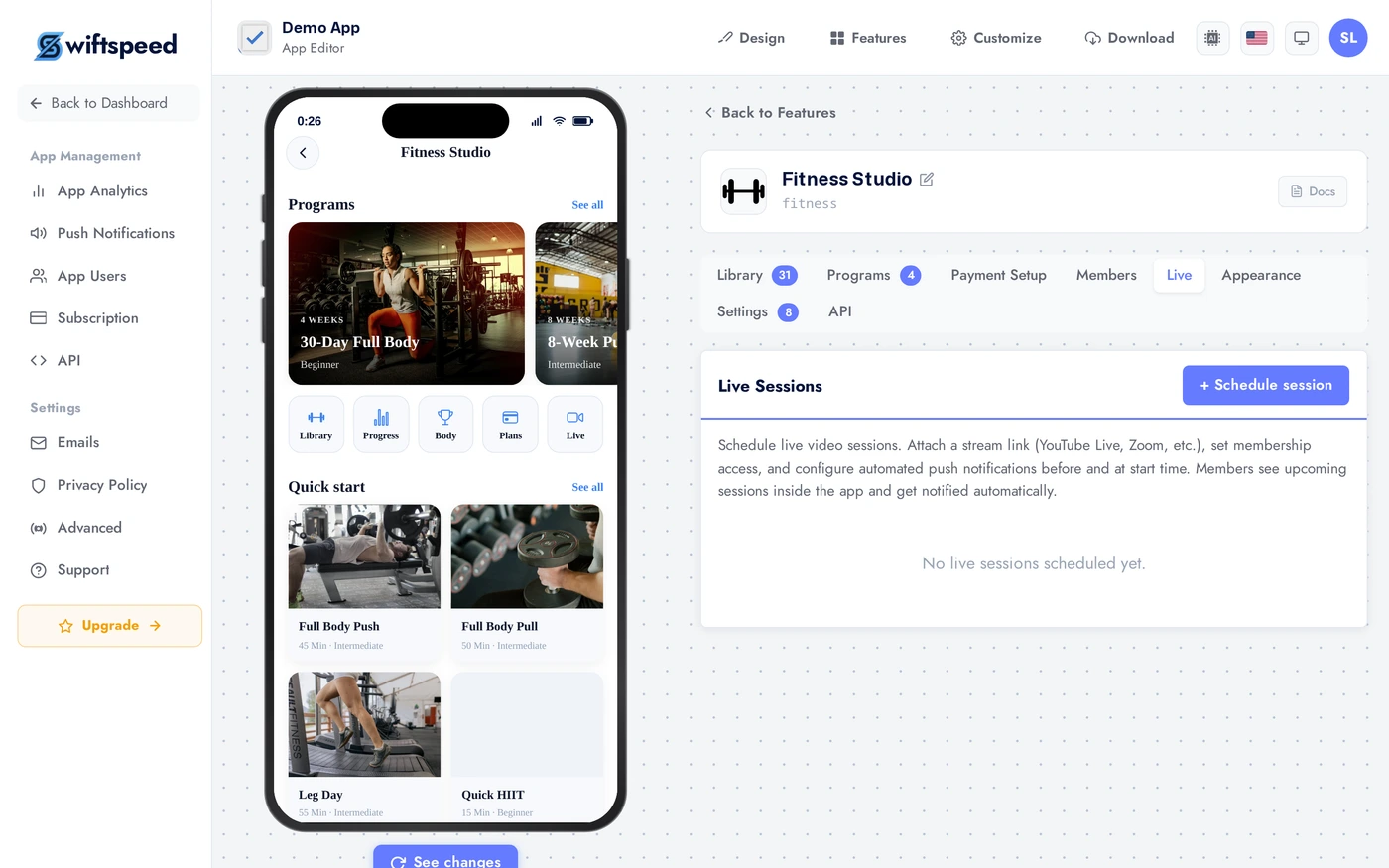
Pick a layout (grid for image-heavy studios, feed for short-form content, library for broad catalogs), a theme, and customise colors. Studios with a strong brand colour palette should override the accent in Custom Colors to match exactly.
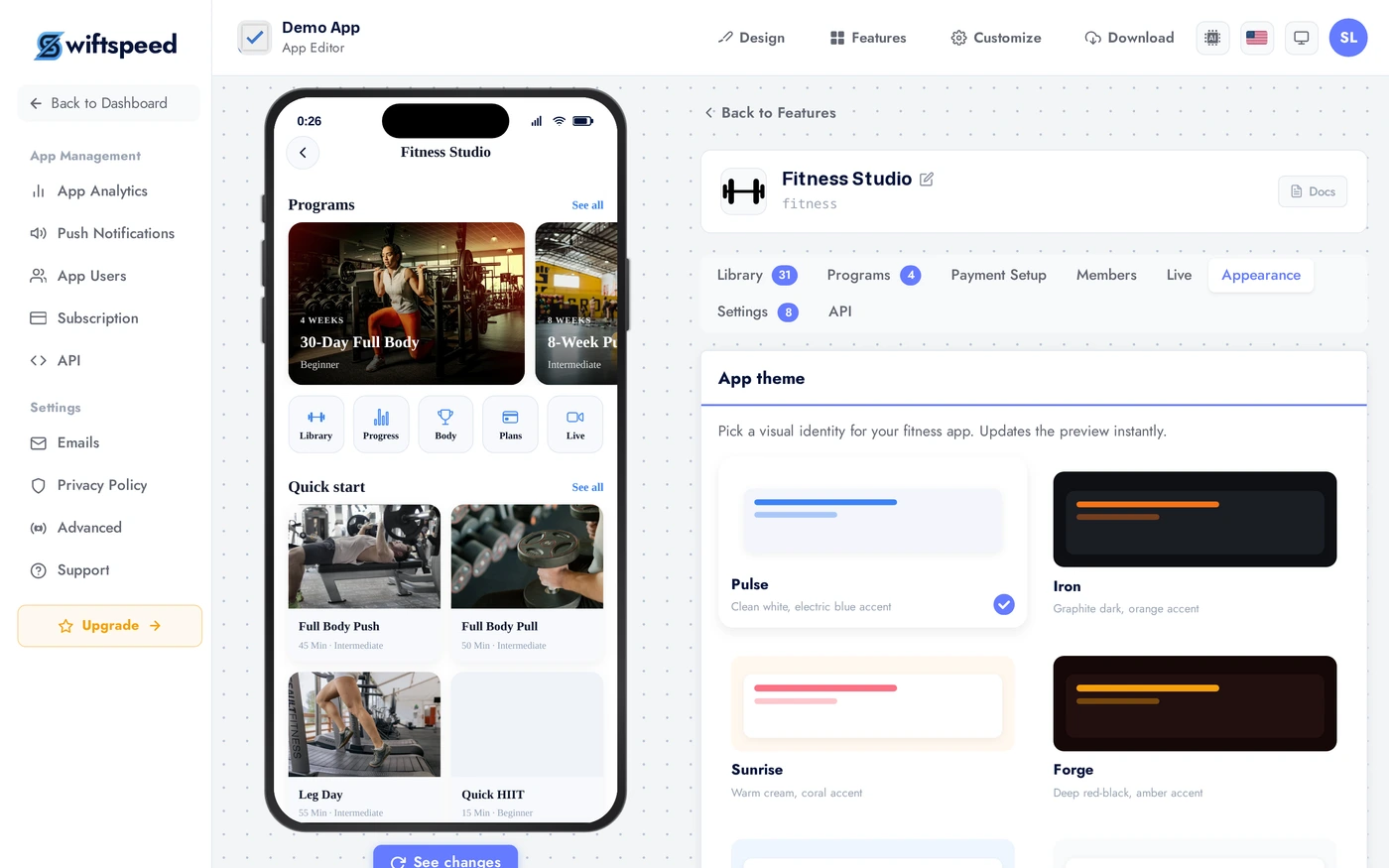
Global preferences: time zone, default class duration, member email templates, video player behaviour (auto-play next, save progress). Most studios accept defaults and skip this tab.
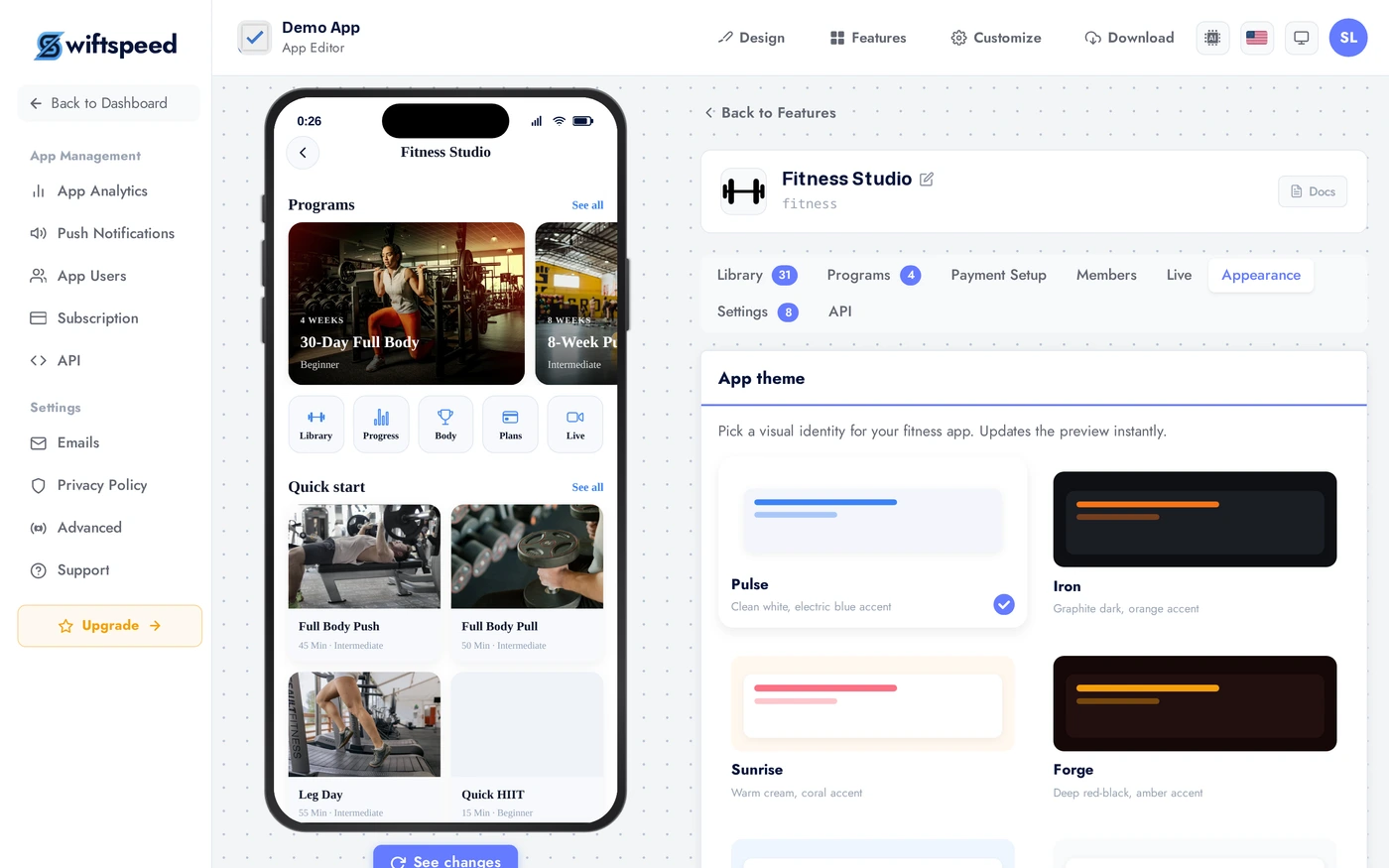
Live Preview
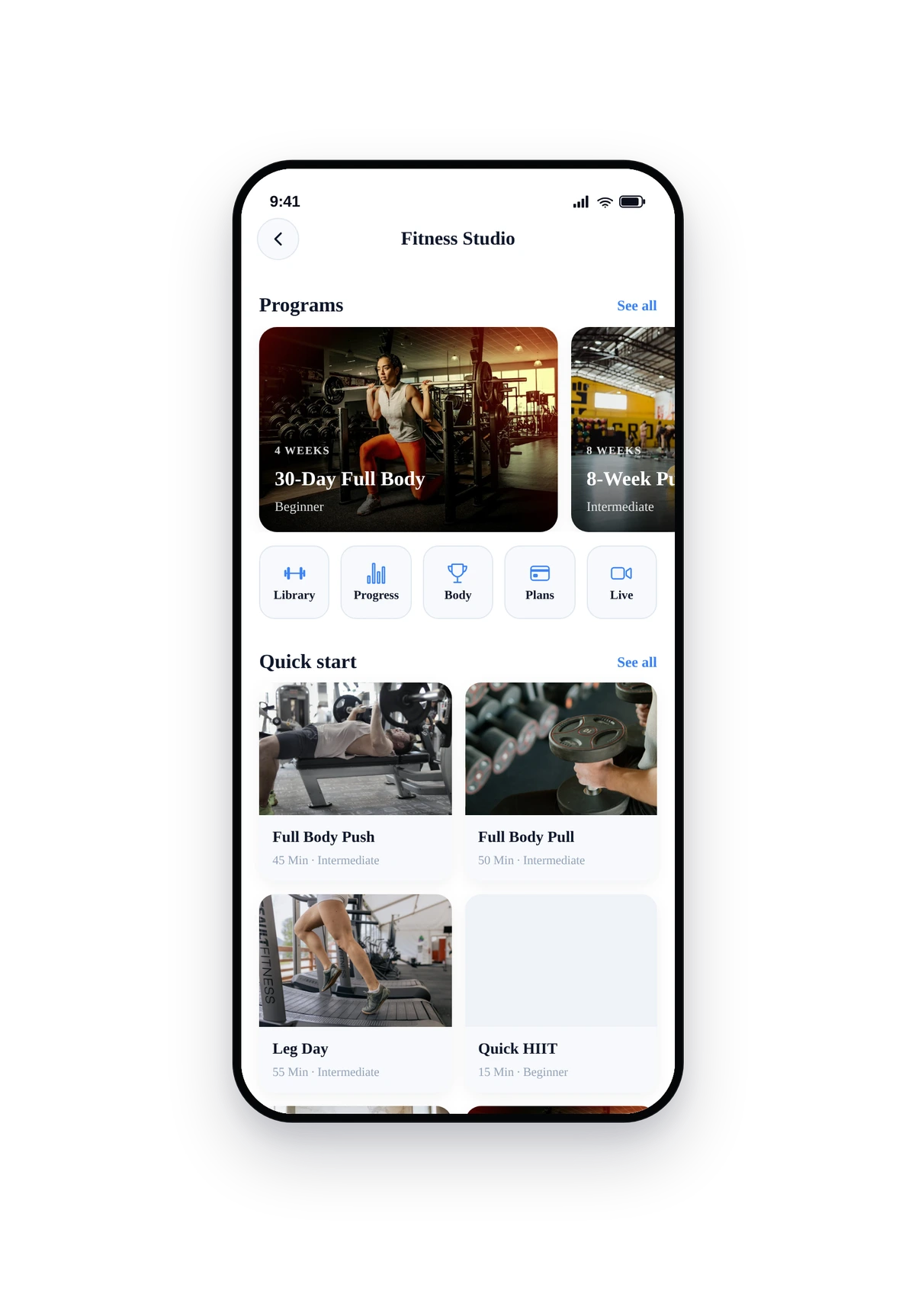
This is the actual native UI. Members see the program shelf, today's recommended workout, live class banner, and quick links to their library and progress.
Tips
- Start with one paid tier ("Membership", monthly) and one free tier. Add complexity later. Most studios over-engineer pricing at launch.
- A 7-day free trial converts 10 to 30 percent of trial users. Worth it for almost every fitness business.
- Recordings of live classes add up fast. Set a 90-day expiry on auto-uploaded recordings unless you want a permanent archive.
- Build one Foundation Program at launch. New members need an entry point and a finished program tells them you are serious. Even 5 videos is enough.
- Use the Library categories aggressively. Filter chips are how users actually navigate your content; a flat library of 100 videos is unusable.
- The Members tab is your retention dashboard. Look at "last active" weekly; reach out personally to anyone going dark before they churn.
Removing the Feature
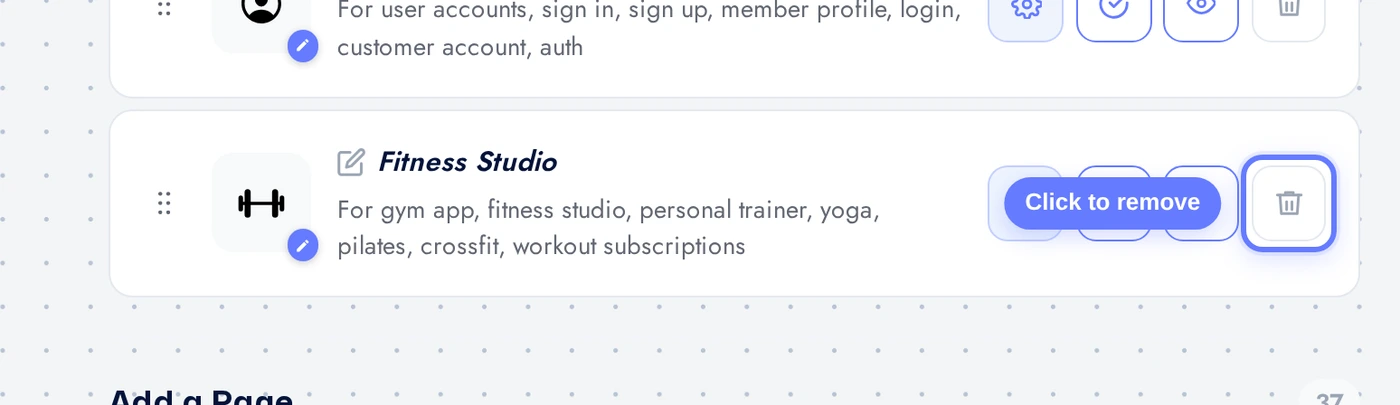
Back on Features, find the Fitness Studio row, click the red trash icon, confirm. Library content and member records are retained on the server until you delete them via the API.