Church App Feature
What is the Church App Feature?
The Church App feature turns your Swiftspeed app into a full church platform: sermon library, upcoming events, prayer requests, donations, pastor profiles, prayer chains, and an integrated Bible reader. Everything a congregation needs in one app.
Seven editor tabs map to the major surfaces of a church operation. Sermons are your content. Prayer is your pastoral care. Donations is your giving infrastructure. Bible is the in-app reader. Settings is church info. Reporting is the dashboard.
Adding the Church App Feature
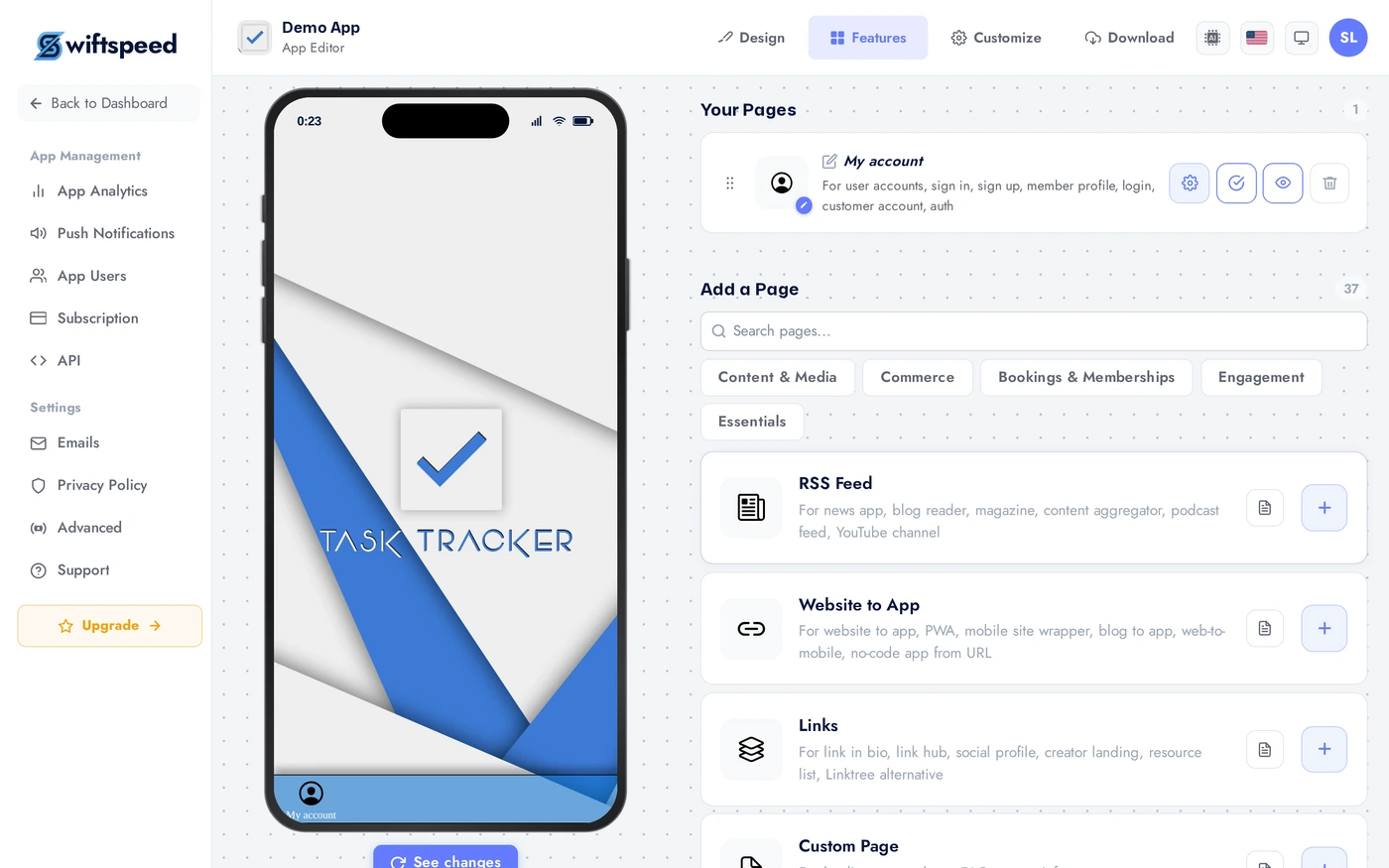
In the App editor, click Features in the top bar.
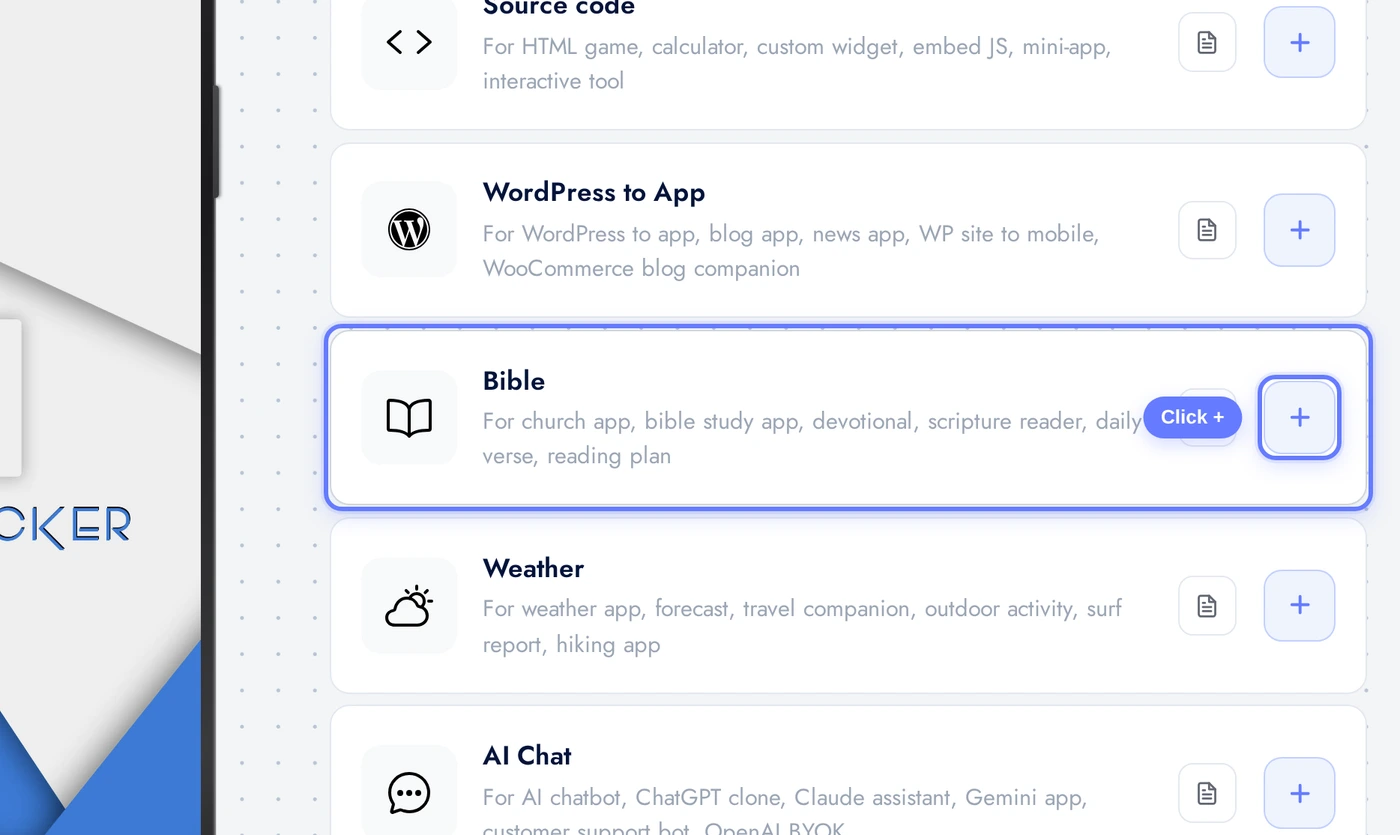
Find the Church App card and click the + button.
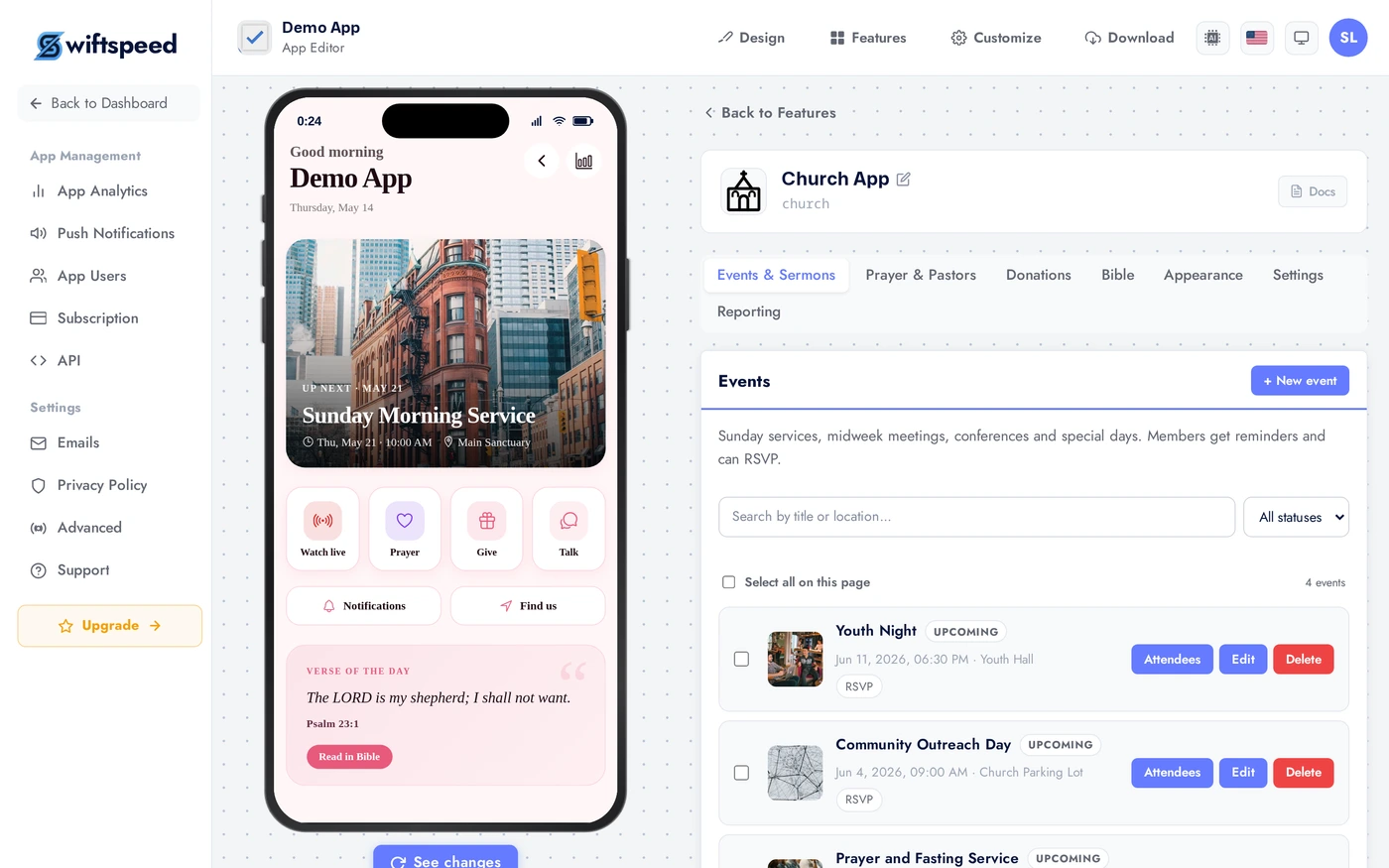
Events and Sermons Tab
Publish upcoming events (services, small groups, conferences, retreats) and past sermons (video or audio). Each sermon has a title, speaker, scripture reference, duration, optional study guide PDF. Sermons appear on the home tab and inside the Sermons library inside the app.
Prayer and Pastors Tab
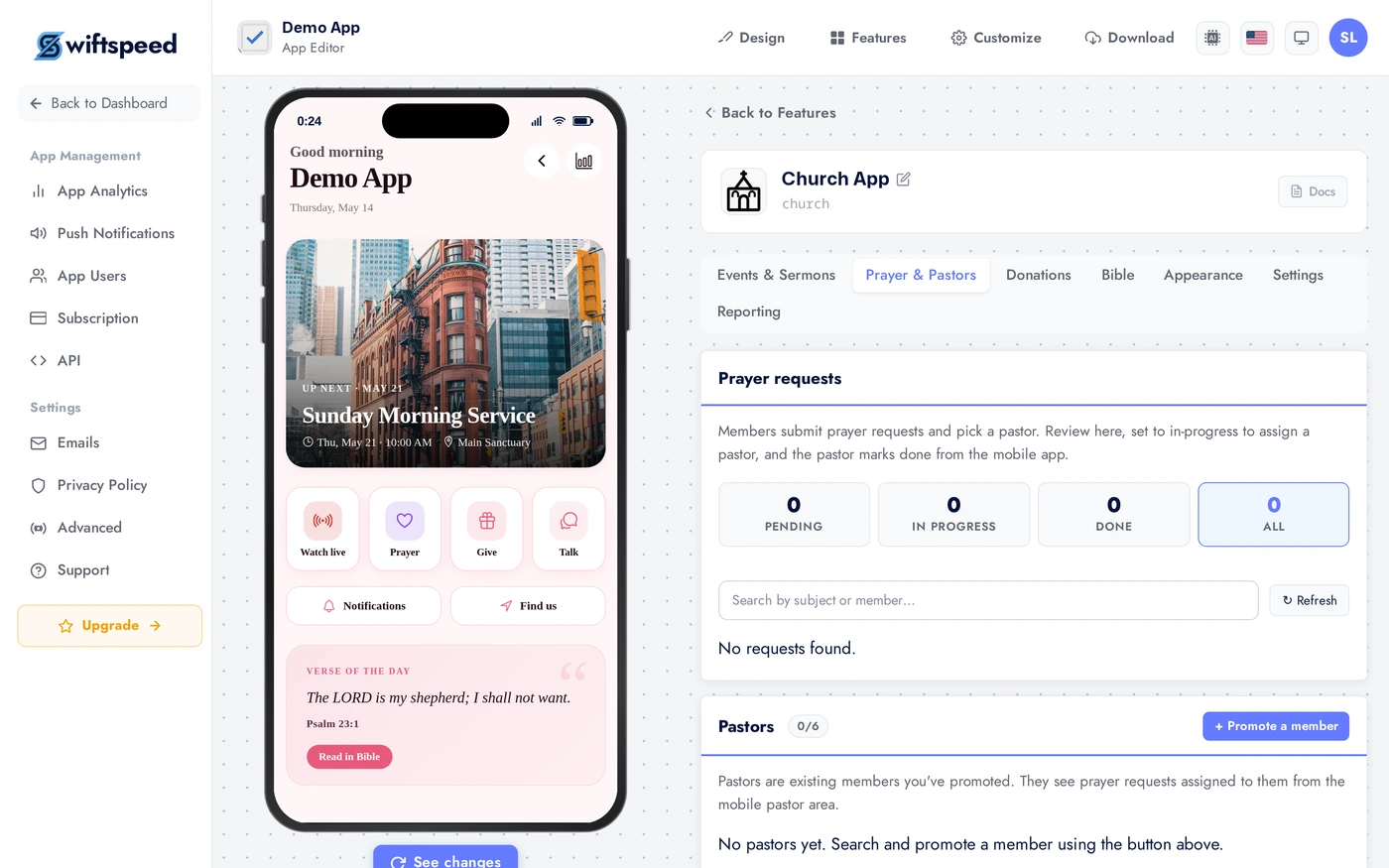
Two related surfaces. Prayer requests: members submit prayer requests through the app. The pastoral team sees them in a private inbox, marks as prayed, and optionally replies. Requests can be public (visible to all members on a community prayer wall) or private (visible only to pastors). Pastors directory: profiles for each pastor with photo, bio, contact info, and a "request meeting" button.
Donations Tab
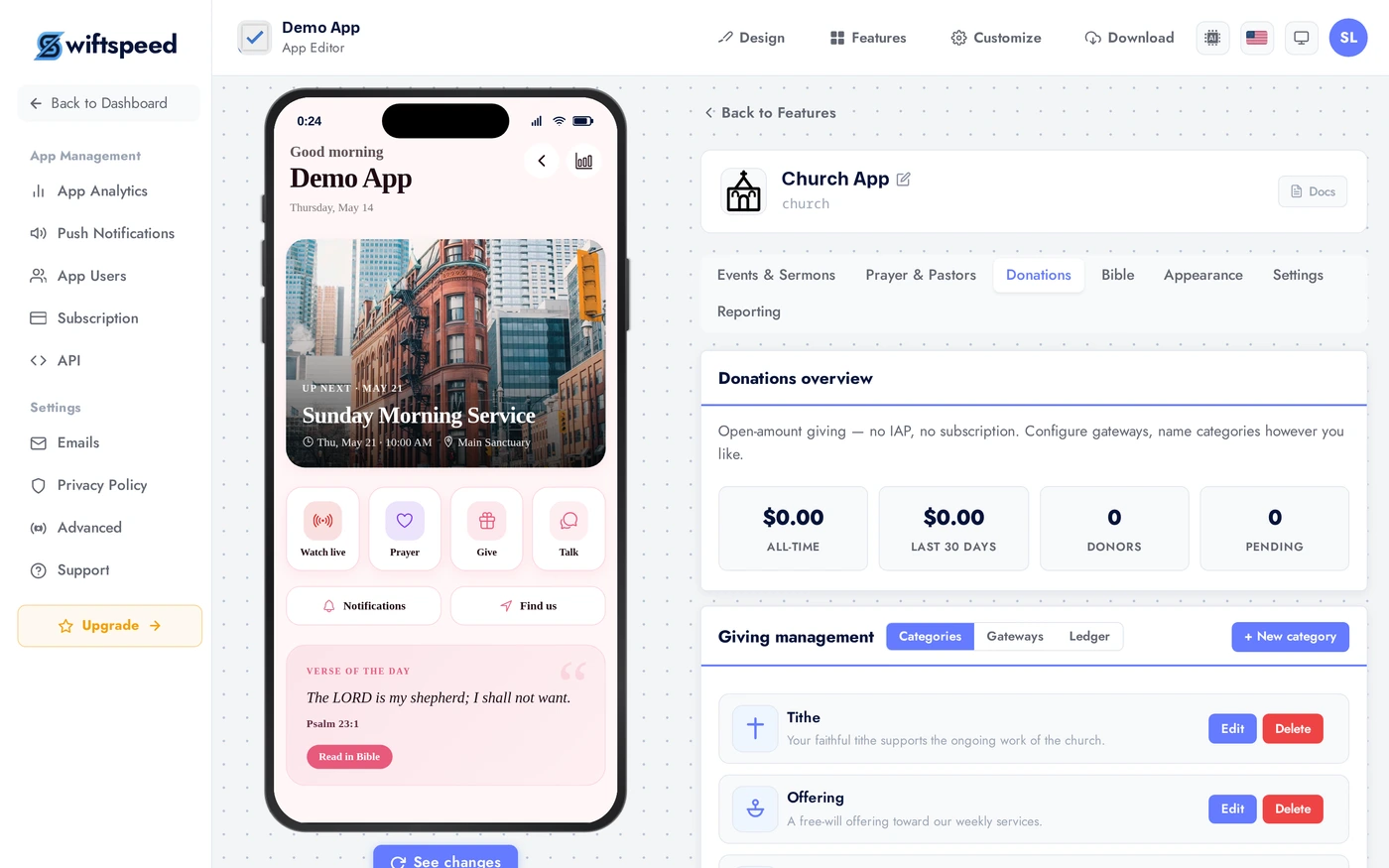
Accept tithes and offerings through the app. Configure causes ("General Fund", "Building Fund", "Missions", "Youth Programs"), suggested amounts, and recurring giving (weekly, monthly). Connect Stripe or Paystack in the editor's Publish Monetization page. Members get receipts emailed automatically and can see their giving history in their account.
Bible Tab
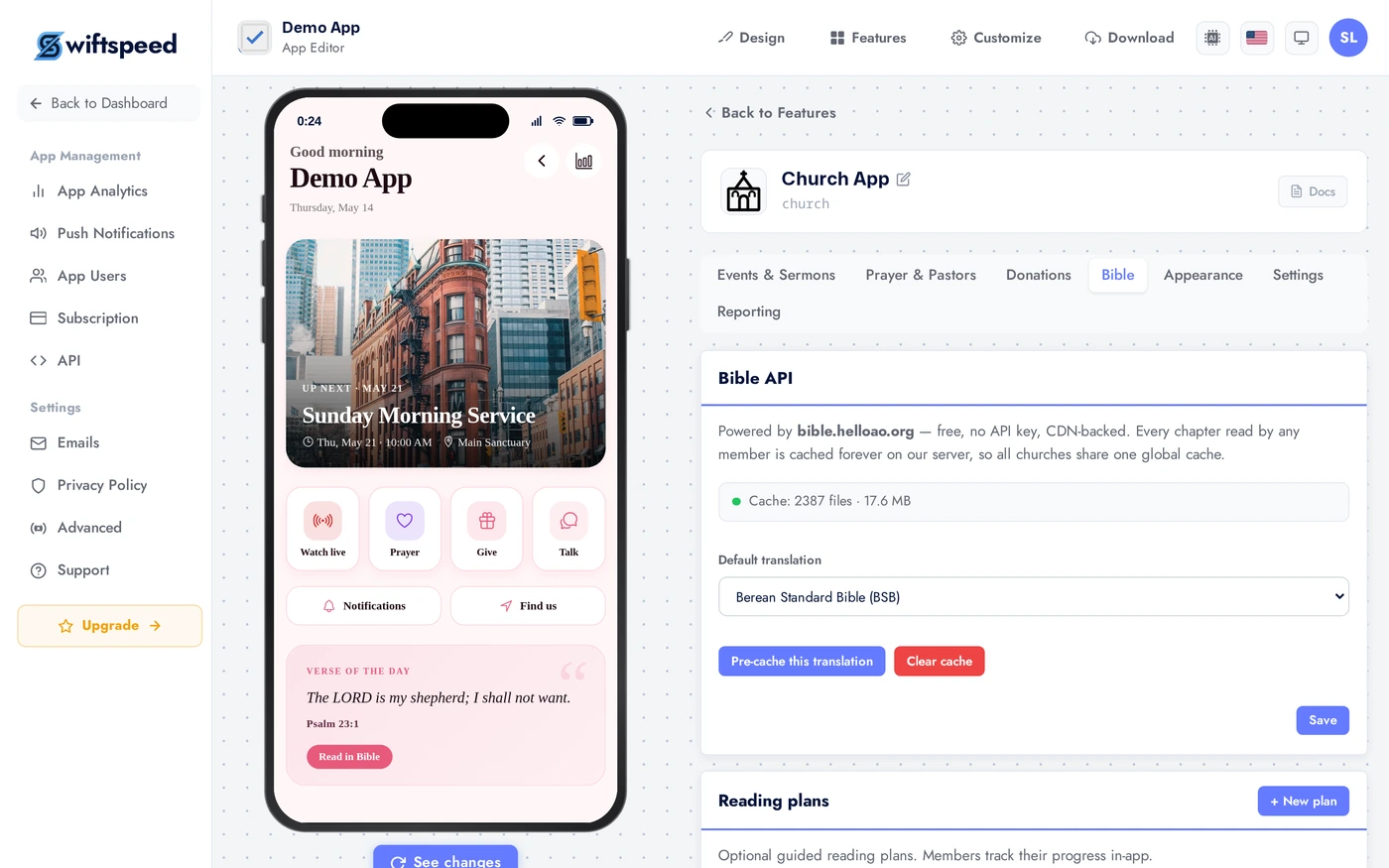
Configure the in-app Bible reader. Pick available translations (KJV, NIV, ESV, NLT, and more), the default translation, daily verse delivery time. The Bible feature can be used standalone or as part of the Church app; here it inherits the church's settings.
Appearance and Settings
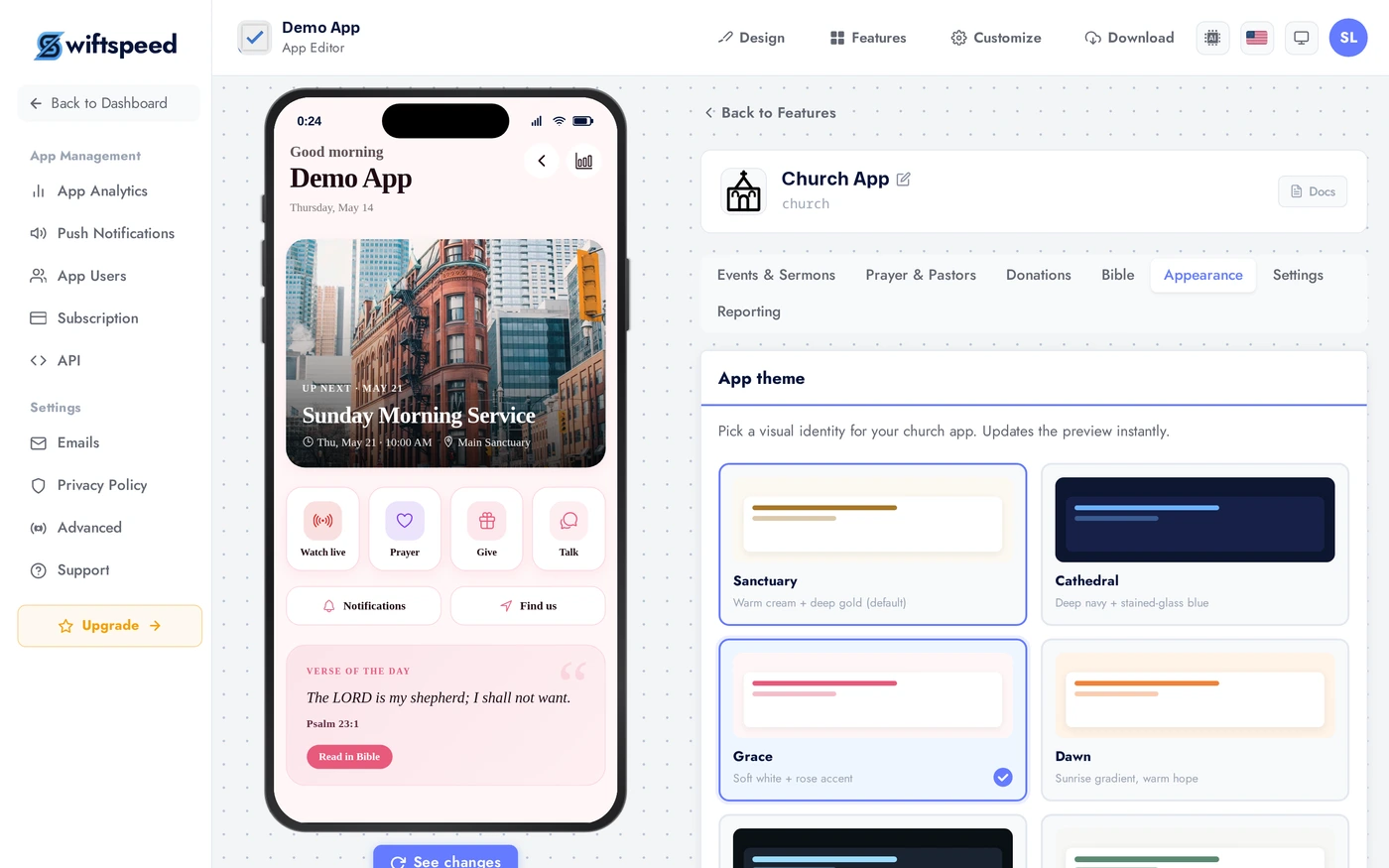
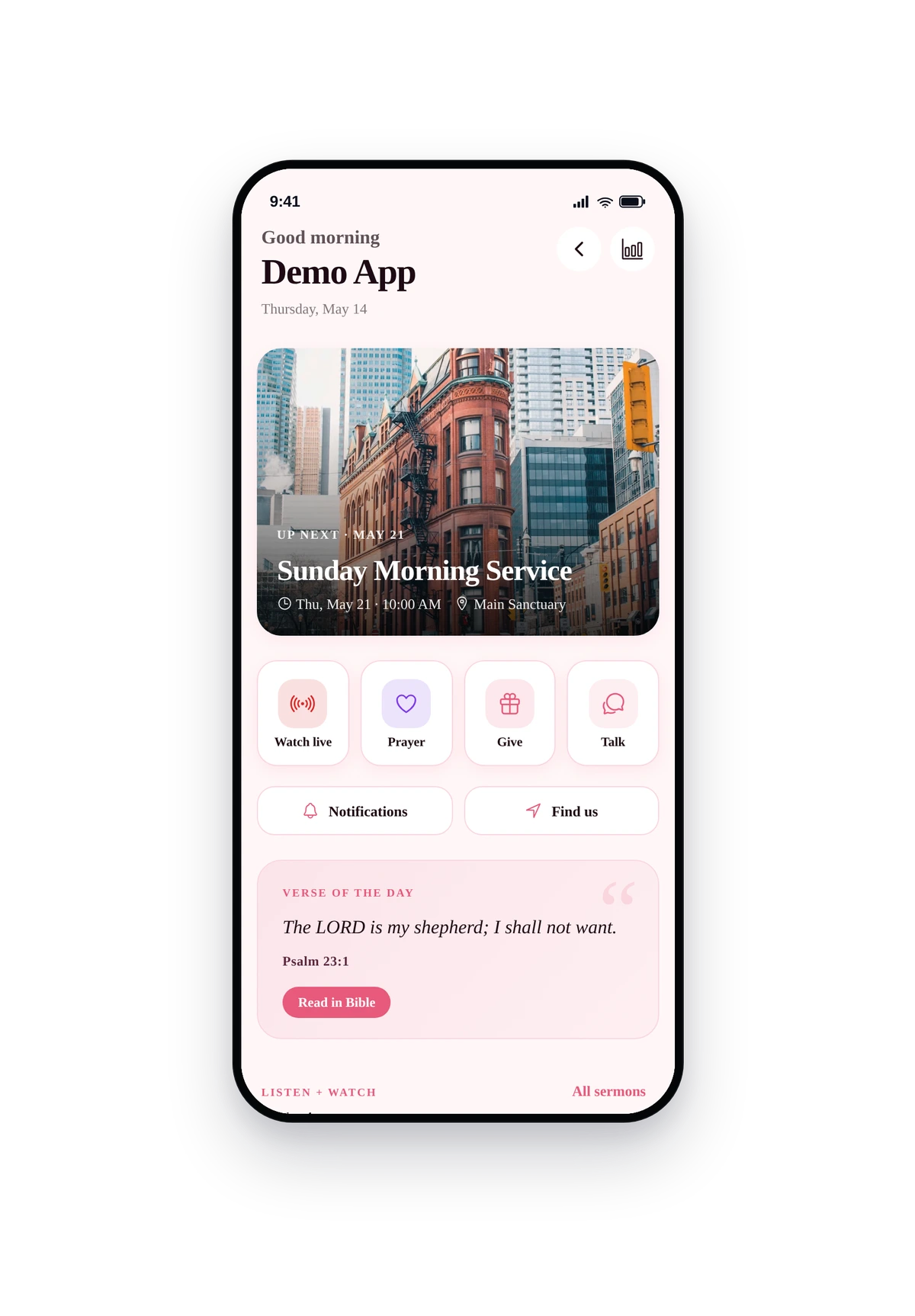
Pick a layout, theme, and custom colors. The hub layout (built specifically for churches) shows a featured sermon, next event, prayer count, give button on the home page.
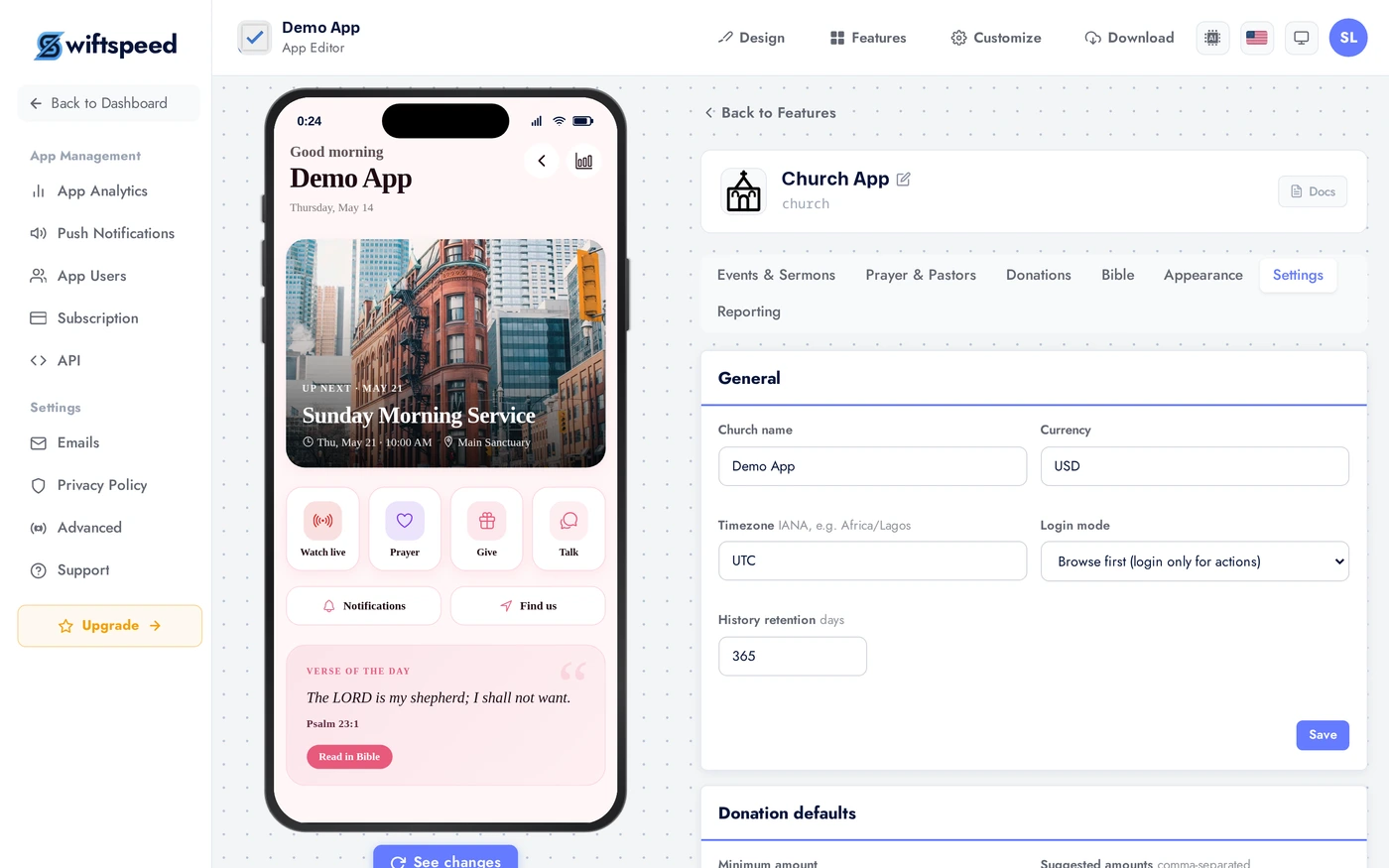
Church name, service times, address, social links, contact info. These flow into the app footer, About tab, and welcome screen. Service times also drive the "next service" countdown on the home page.
Reporting Tab
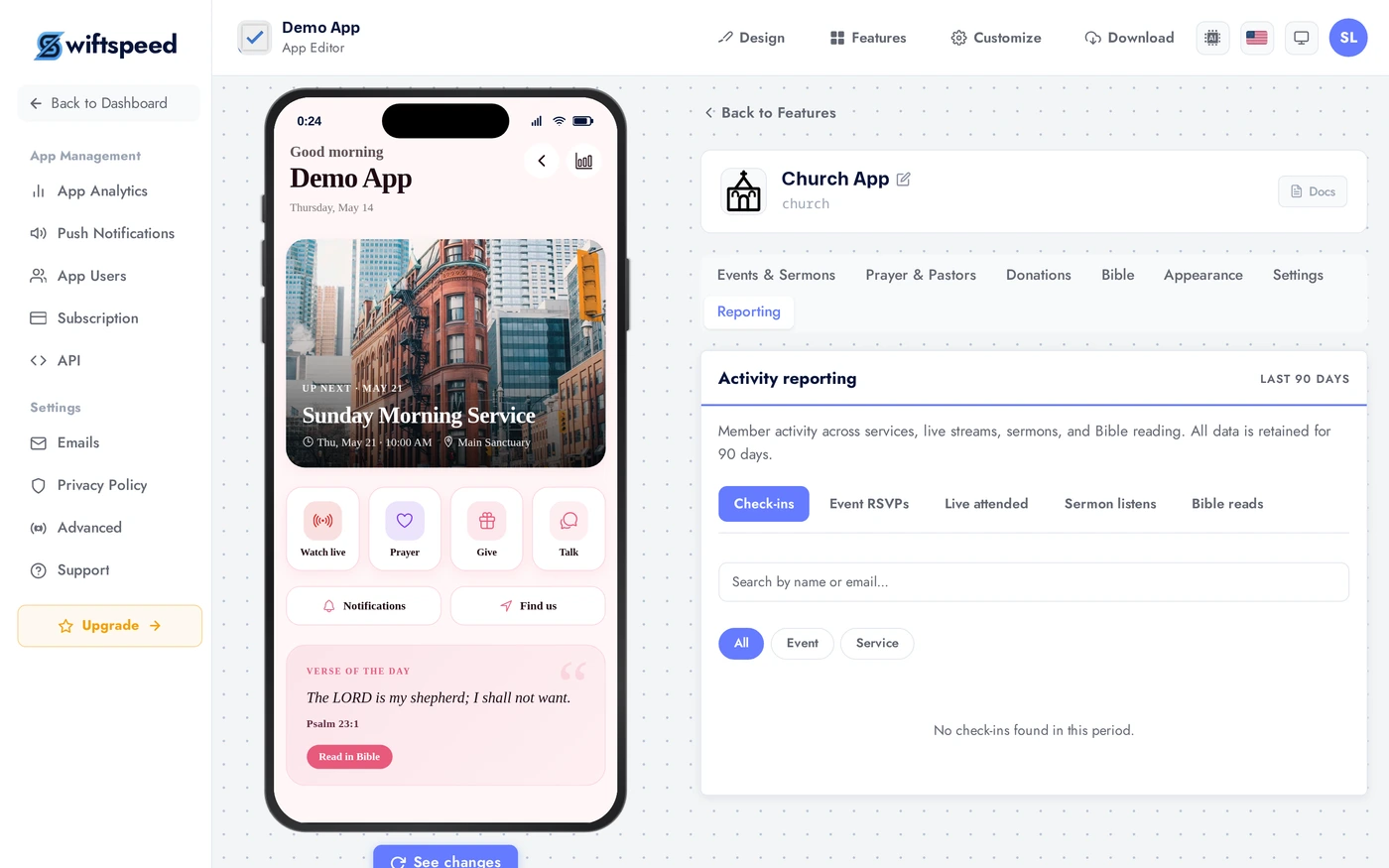
Members count, sermon views, prayer requests submitted, donations received, event attendance. Export to CSV for your team or accountant. The dashboard refreshes hourly.
Live Preview
This is the actual native UI. Featured sermon, next service, give button, prayer wall, Bible link. The layout and theme are exactly what you picked.
Tips
- Publish 3 to 5 sermons before launch. An empty Sermons tab looks dead.
- Configure donations BEFORE you announce the app. Half the value of a church app is in making giving frictionless. Setting up Stripe or Paystack takes 15 minutes; do it on day one.
- Train one pastor on the prayer-request inbox. Set up daily email digests so requests do not get missed. Following up on prayer requests is the killer trust-builder.
- Reading plans drive Bible engagement. Author a "21-Day Lent Reading Plan" or similar; engagement on plans is 3 to 5x normal sermon view rates.
- Service times power the home page. Keep them accurate; the next-service countdown looks broken if your schedule is stale.
- Donate buttons everywhere convert. Add a give button to the home page and the bottom of every sermon detail page.
Removing the Feature
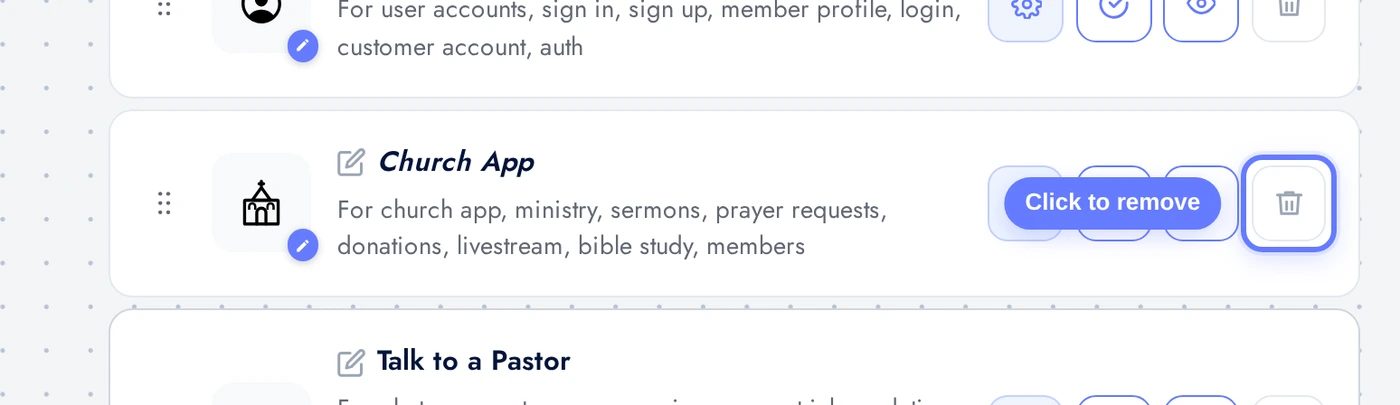
Back on Features, find the Church App row, click the red trash icon, confirm.