Bible Feature
What is the Bible Feature?
The Bible feature is a complete in-app Bible reader. End-users read scripture in multiple translations, search by verse or keyword, bookmark passages, highlight text, follow reading plans, receive daily verses, and set reminder times. Suitable for church, faith, devotional, and study apps.
Four editor tabs control how the Bible behaves: Appearance theme and layout, Settings translations and reminders, Reading plans you author, Reports on usage.
Adding the Bible Feature
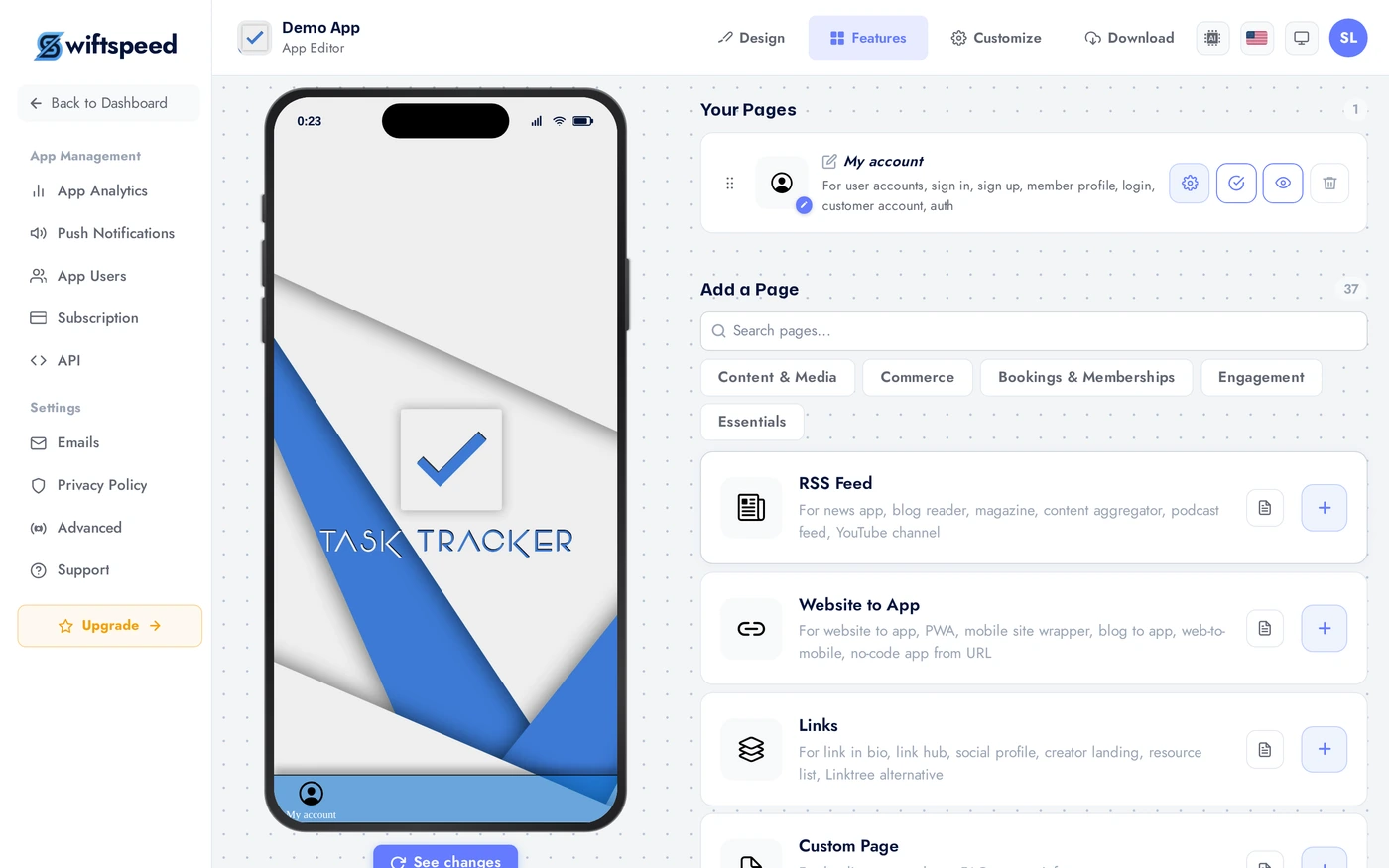
In the App editor, click Features in the top bar.
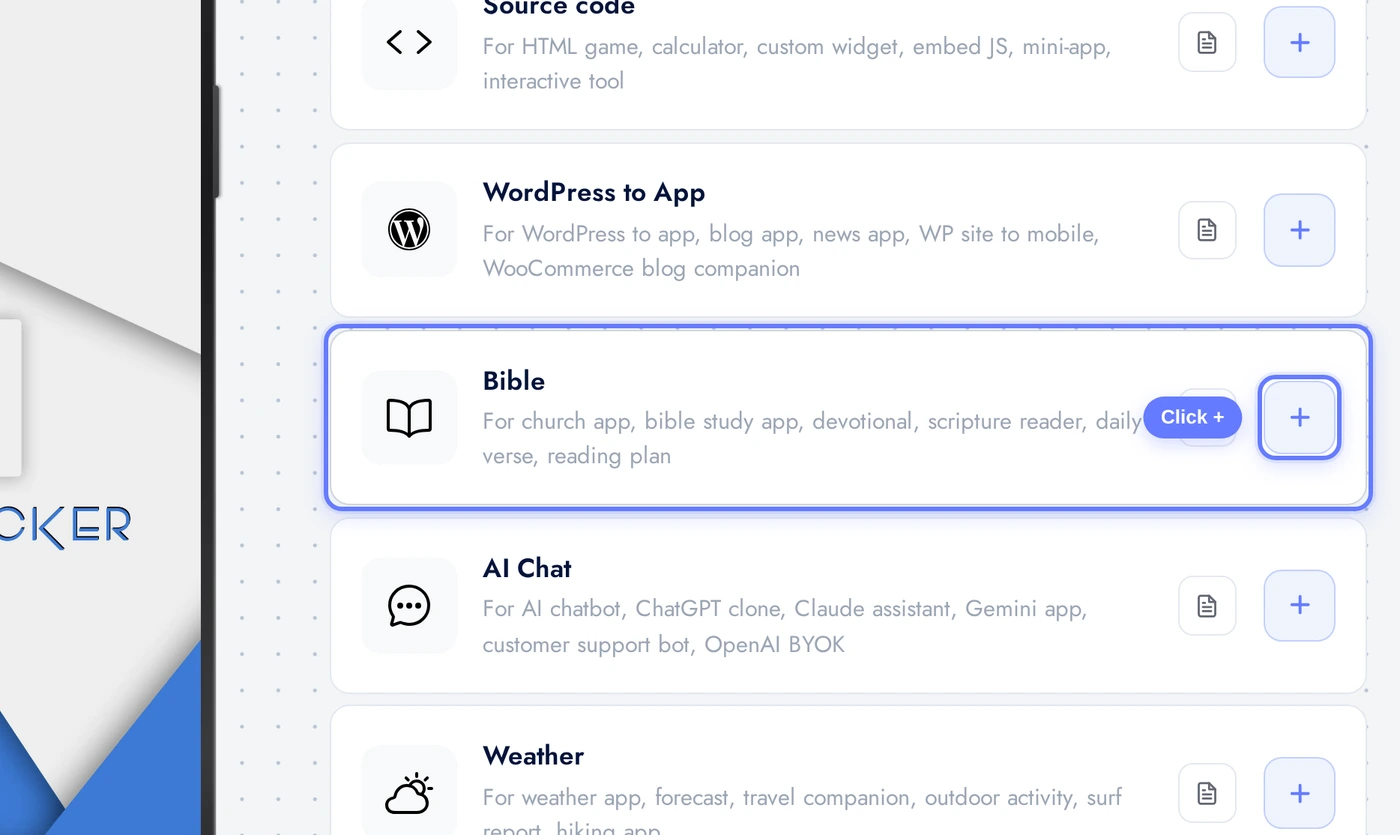
Find the Bible card and click the + button.
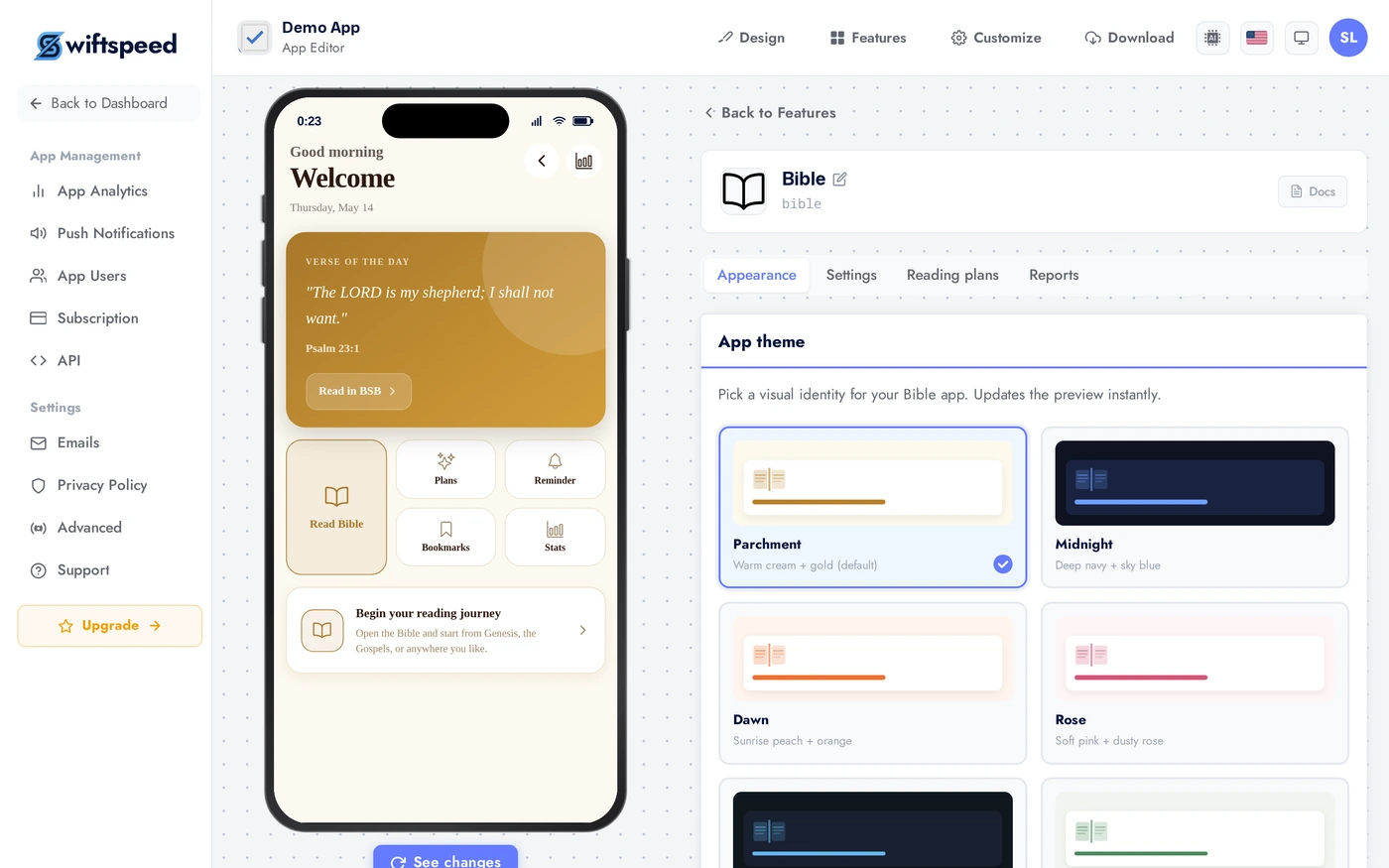
Appearance Tab
Pick a layout: Reader (single-translation focus mode), Parallel (two translations side by side, great for study apps), Study (adds cross-references and footnotes). Theme and custom colors as usual. For Bible apps, calm and high-contrast palettes outperform vibrant ones; users read for long sessions.
Settings Tab: Translations and Reminders
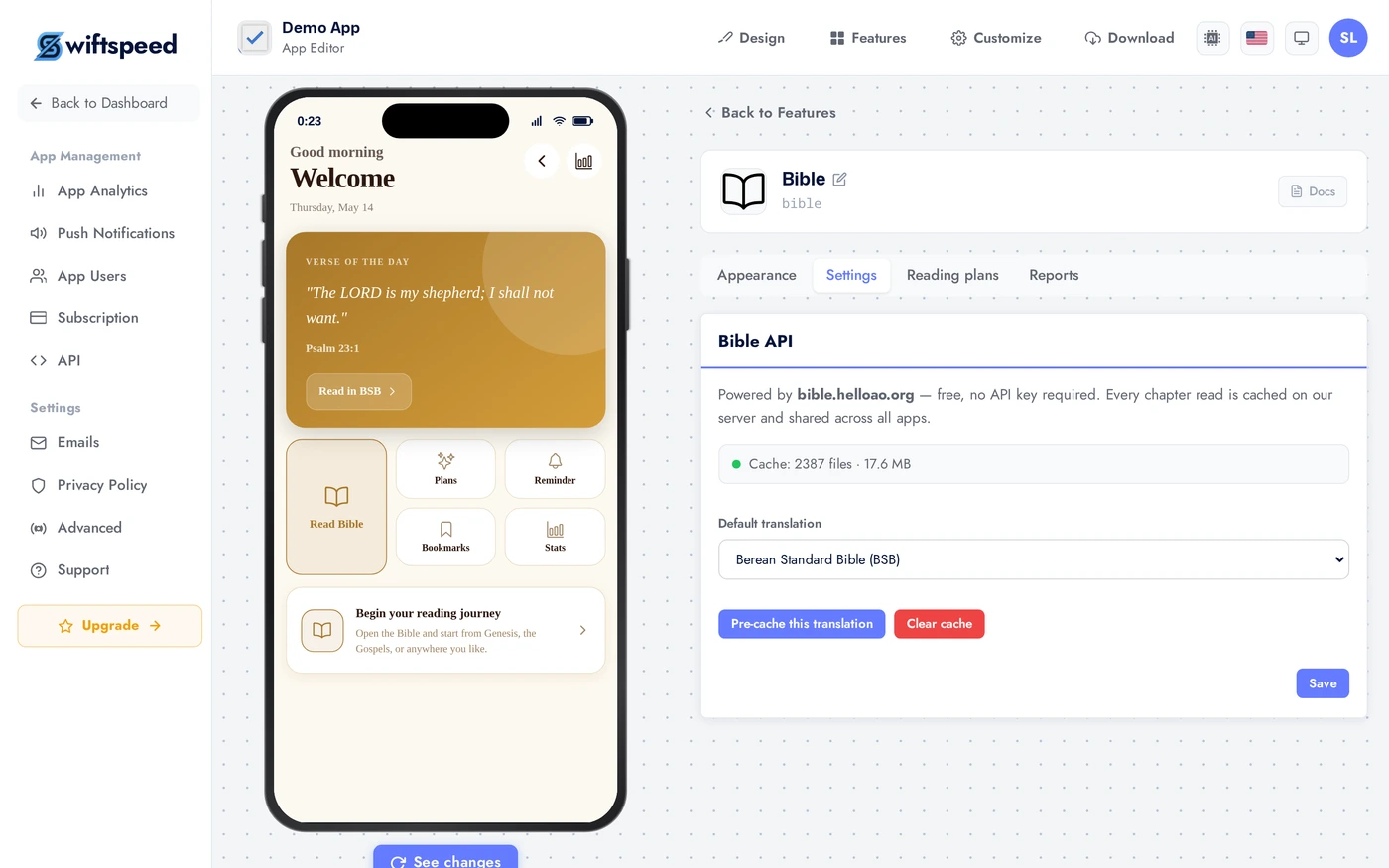
Configure which translations users can access (KJV, NIV, ESV, NLT, NASB, NKJV, and more depending on your licensing), the default translation, daily verse delivery time, and reminder schedule. Default translation should match your audience: NIV for general, KJV for traditional, NLT for youth.
Reading Plans Tab
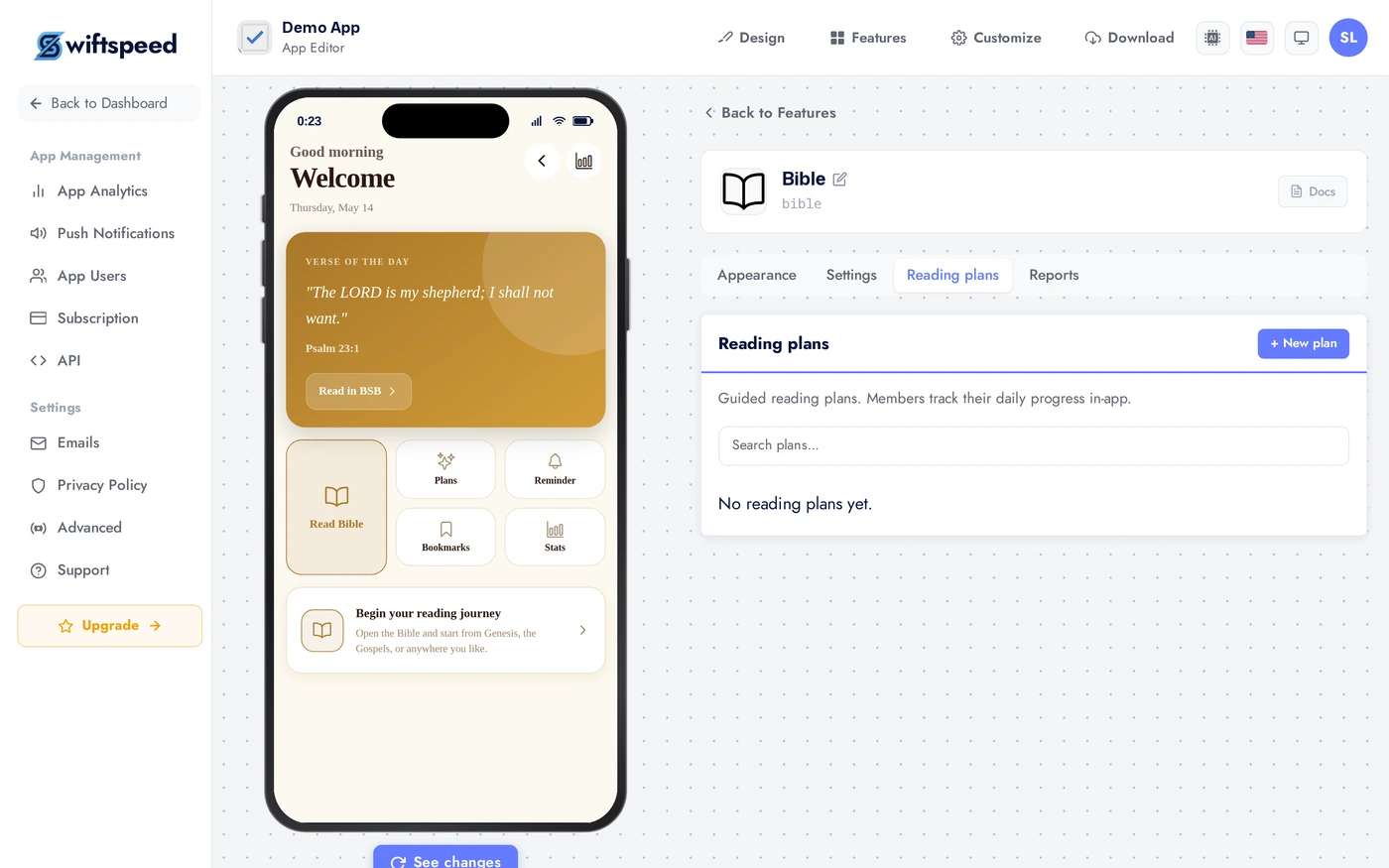
Author or pick from pre-built reading plans. A plan has a name, description, and daily passages (e.g. "Genesis 1 to 3" for Day 1, "Genesis 4 to 6" for Day 2). Pre-built plans include "Bible in a Year", "30-Day Lent", "Through the Gospels", "Wisdom Books". Plans drive engagement: 60 to 80 percent of users who start a plan keep coming back daily.
Reports Tab
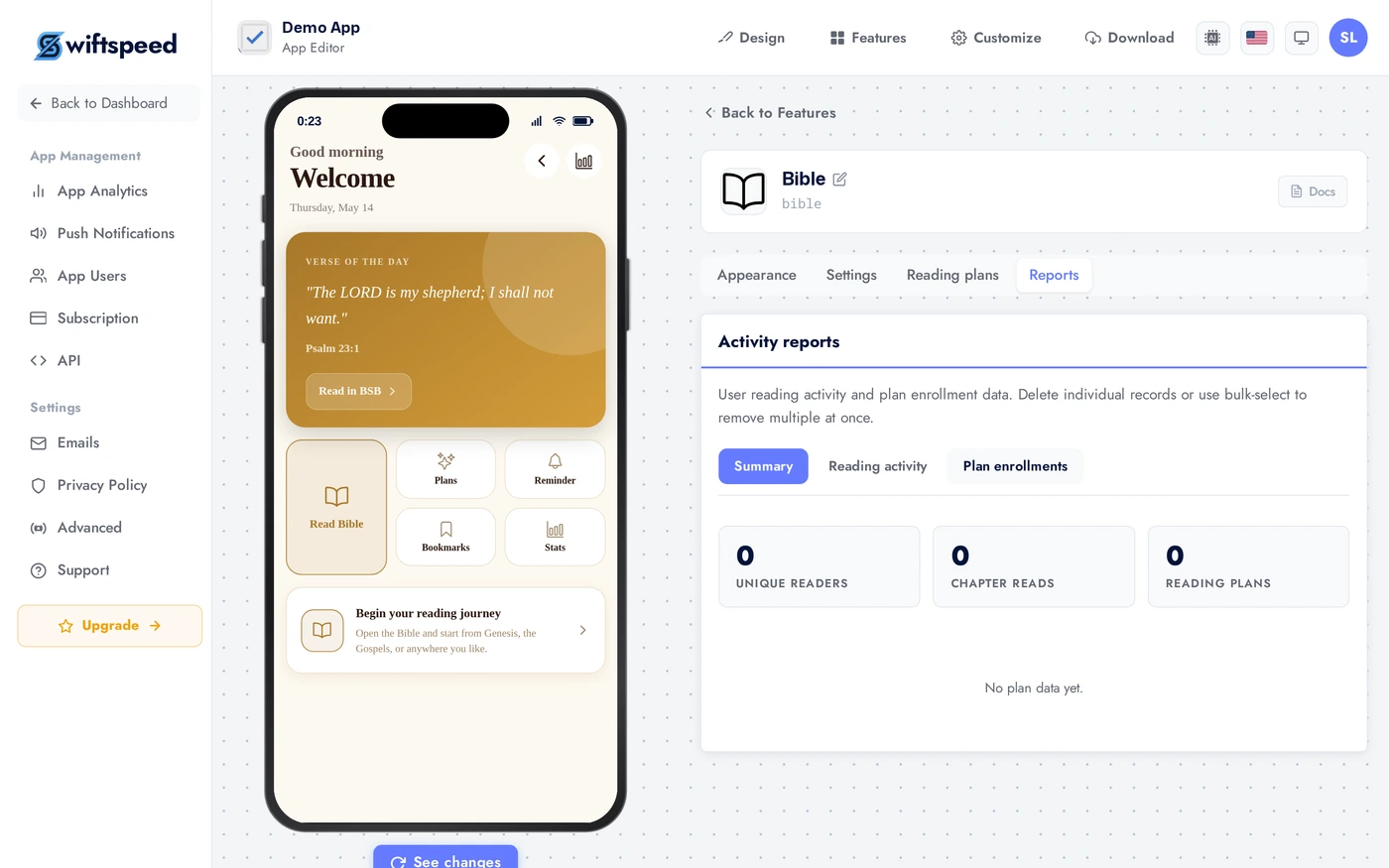
How many users opened the Bible this week, which translations they prefer, which plans are active, verse-of-the-day open rates. Export to CSV for your team.
Live Preview
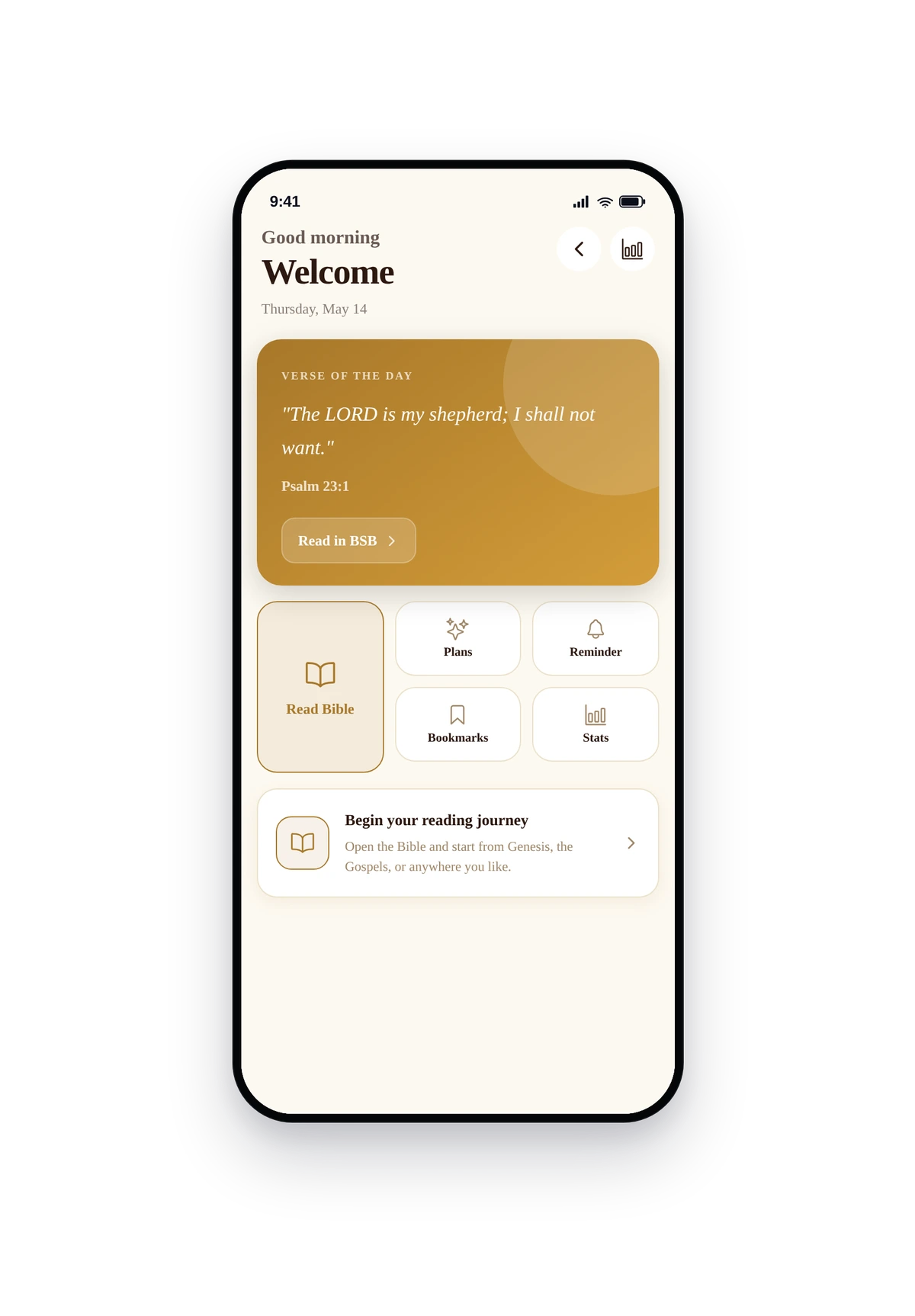
This is the actual native UI. Verse of the day at the top, jump-to-book chips, last-read marker, reading plan progress, bookmarks shortcut.
Tips
- Default translation should match your audience. NIV for general audiences, KJV for traditional churches, NLT for youth ministry, ESV for theological depth.
- Reading plans are the engagement multiplier. Without a plan, users open the Bible once and forget. With a plan, they open it daily.
- Verse-of-the-day push has the highest open rate of any notification. Use it.
- Author a custom plan for your specific community. "Our church's 7-day study of John" performs better than generic plans because it feels personal.
- If your church has a default translation in services, set it as the app's default. Reduces friction for congregants following along on their phone during service.
Removing the Feature
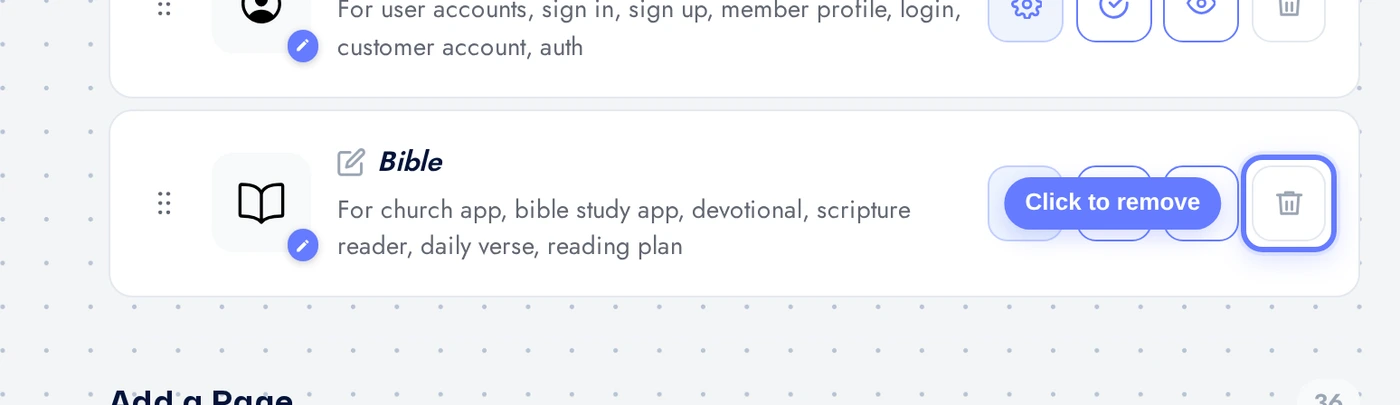
Back on Features, find the Bible row, click the red trash icon, confirm.