App Info Settings
S
Swiftspeed TeamApp Info Settings
The App Info card on the Customize page holds the metadata that goes into every Android and iOS build: the application name shown under the icon, the application ID (your bundle identifier), version code + name, and build orientation flags. These values flow into the AAB / IPA the editor produces, so they appear in the Play Store and App Store listings exactly as set here.
Where It Lives
Open the app in the editor.
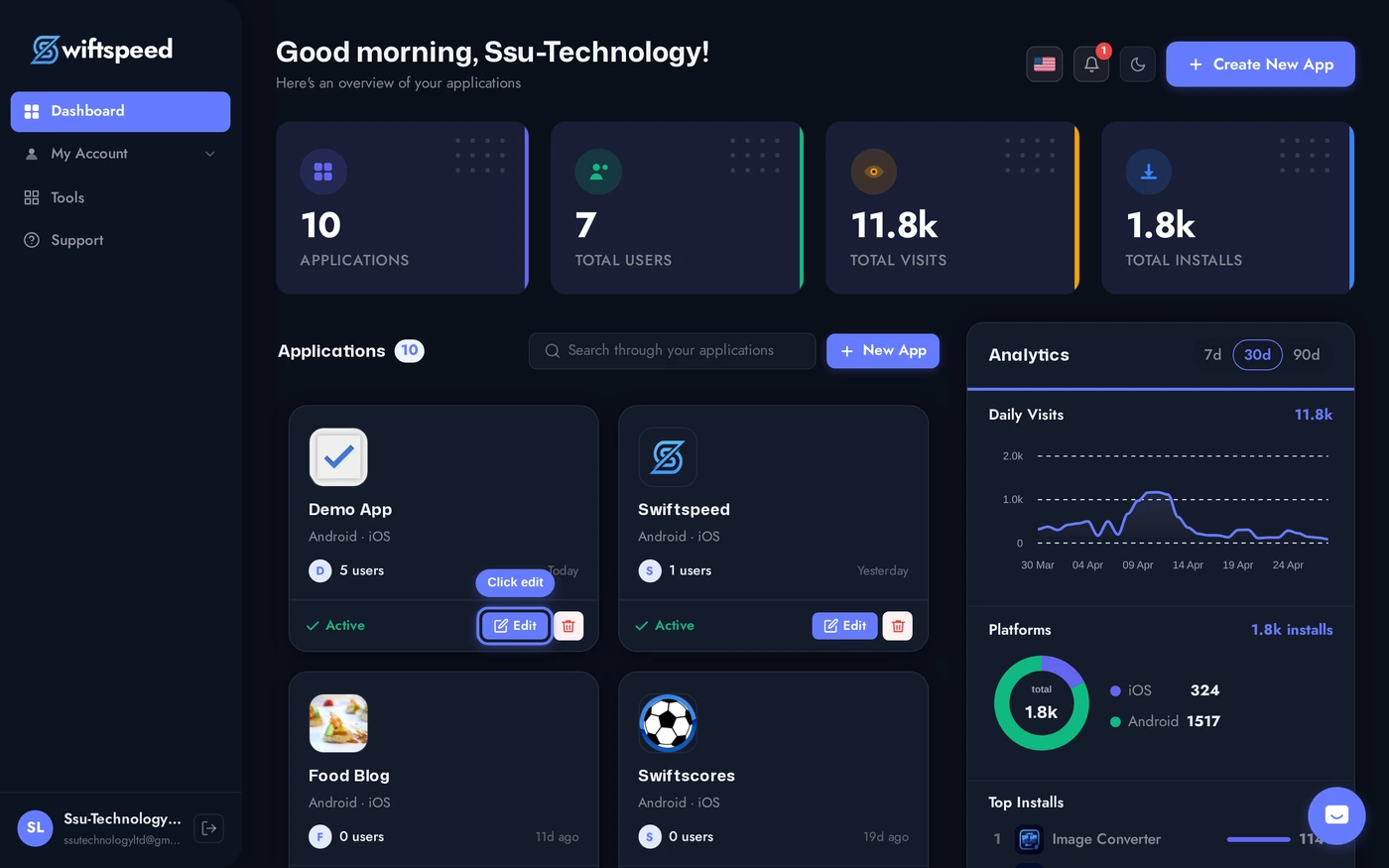
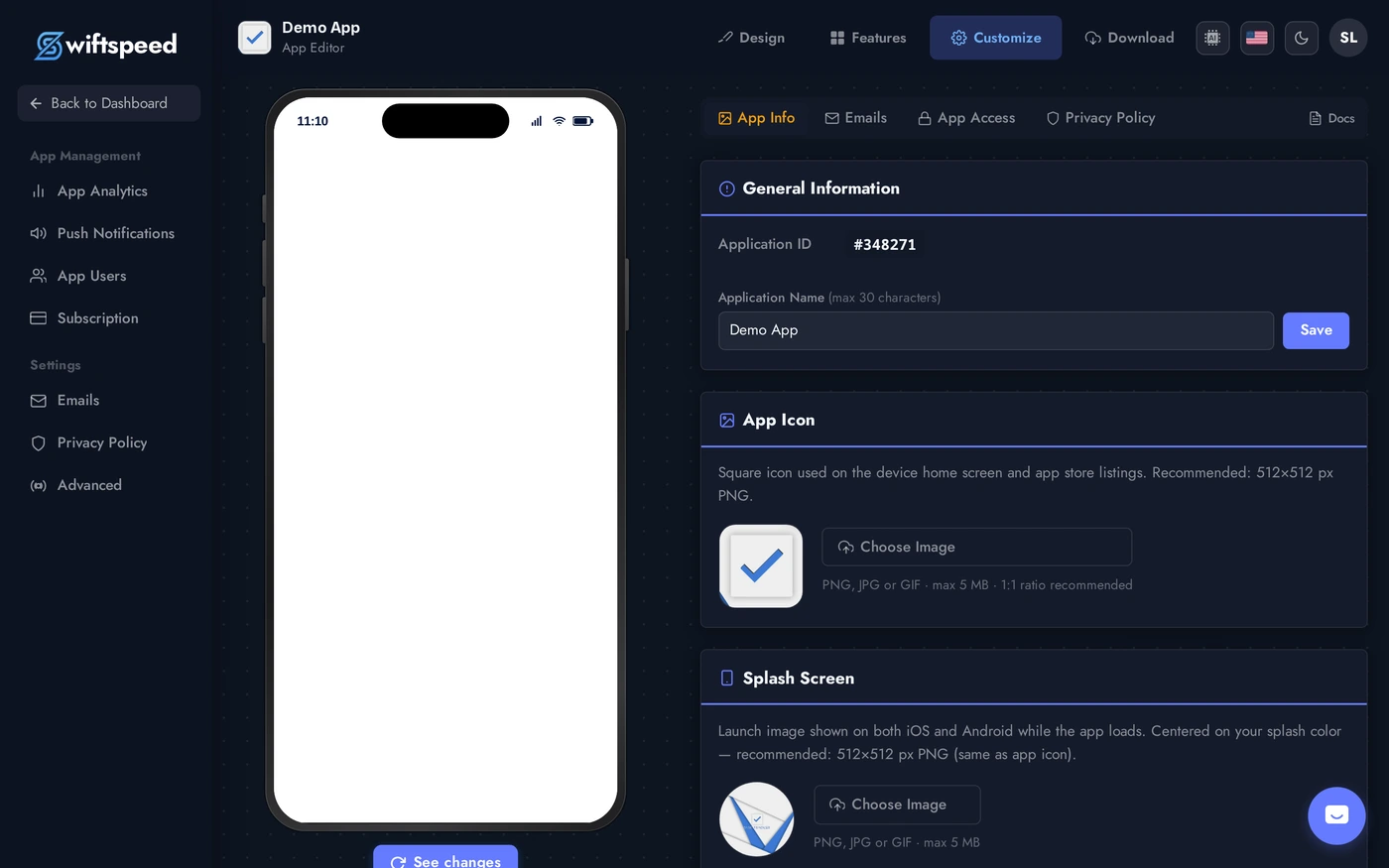
Top bar > Customize. The General Info card sits at the top, with the application ID badge, application name field, and Save button.
Field-by-Field
- Application ID (read-only badge): the unique numeric ID Swiftspeed assigned to this app. Used for support tickets and API calls.
- Application Name: shown under the icon on the phone home screen, and as the title in the Play Store / App Store listing. Max 30 characters. Saving rebuilds the splash screen text and the manifest entry.
- Bundle ID / Application ID (Publish > App Info): the reverse-domain identifier (e.g.
com.yourbrand.appname). Once published, this CANNOT change without losing existing installs and re-submitting as a new app. - Version Code (Publish > App Info): integer that must strictly increase per upload to Play Store. Auto-bumped when you generate a new build.
- Version Name (Publish > App Info): human-readable version (e.g.
1.4.2). Shown to users in the app store, set per release. - Build Orientations (Advanced): which orientations the app supports (portrait, landscape, both). Default is portrait-only on phones.
Tips
- Pick the bundle ID carefully on first publish. It is permanent. If you change it, the App Store / Play Store treat the new build as an entirely separate app, existing customers do not receive updates.
- Keep the application name short. Anything over 22 characters gets truncated on iPhone home screens. Use the full name in the App Store listing if you need it longer.
- Version Name is for marketing, version code is for the platform. Bump version name on customer-visible changes ("1.5.0 - new search bar"). Version code just needs to be unique and rising.