App Billing and Subscription
What is the Billing Page?
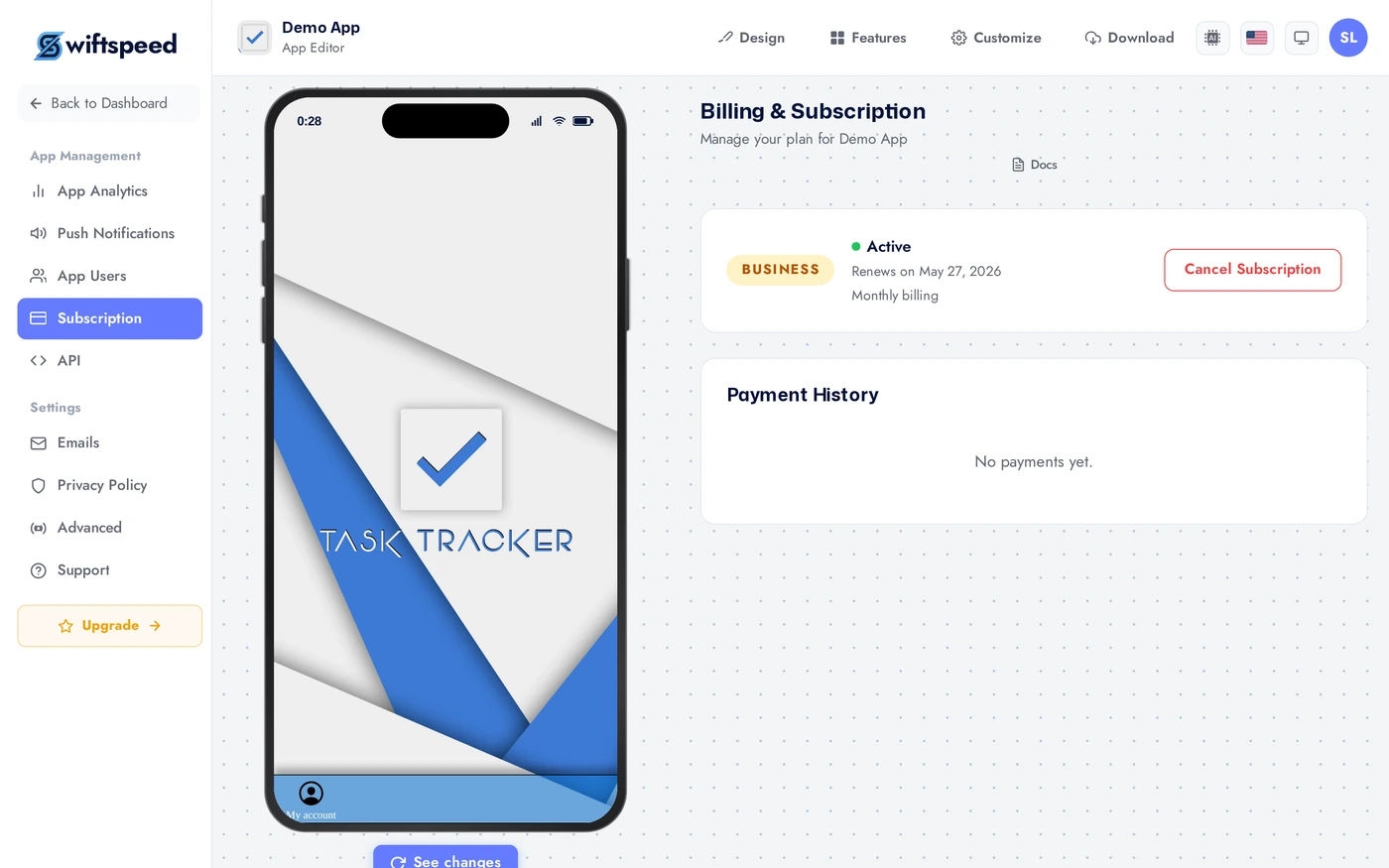
The Billing page in the App editor is where you see your current Swiftspeed plan, manage publishing subscriptions for iOS and Android, view payment history, change plans, and cancel. It is the financial dashboard for your app.
Where to Find It
In the App editor sidebar, click Billing. The page loads with your current plan, subscriptions, and payment history.
Current Plan
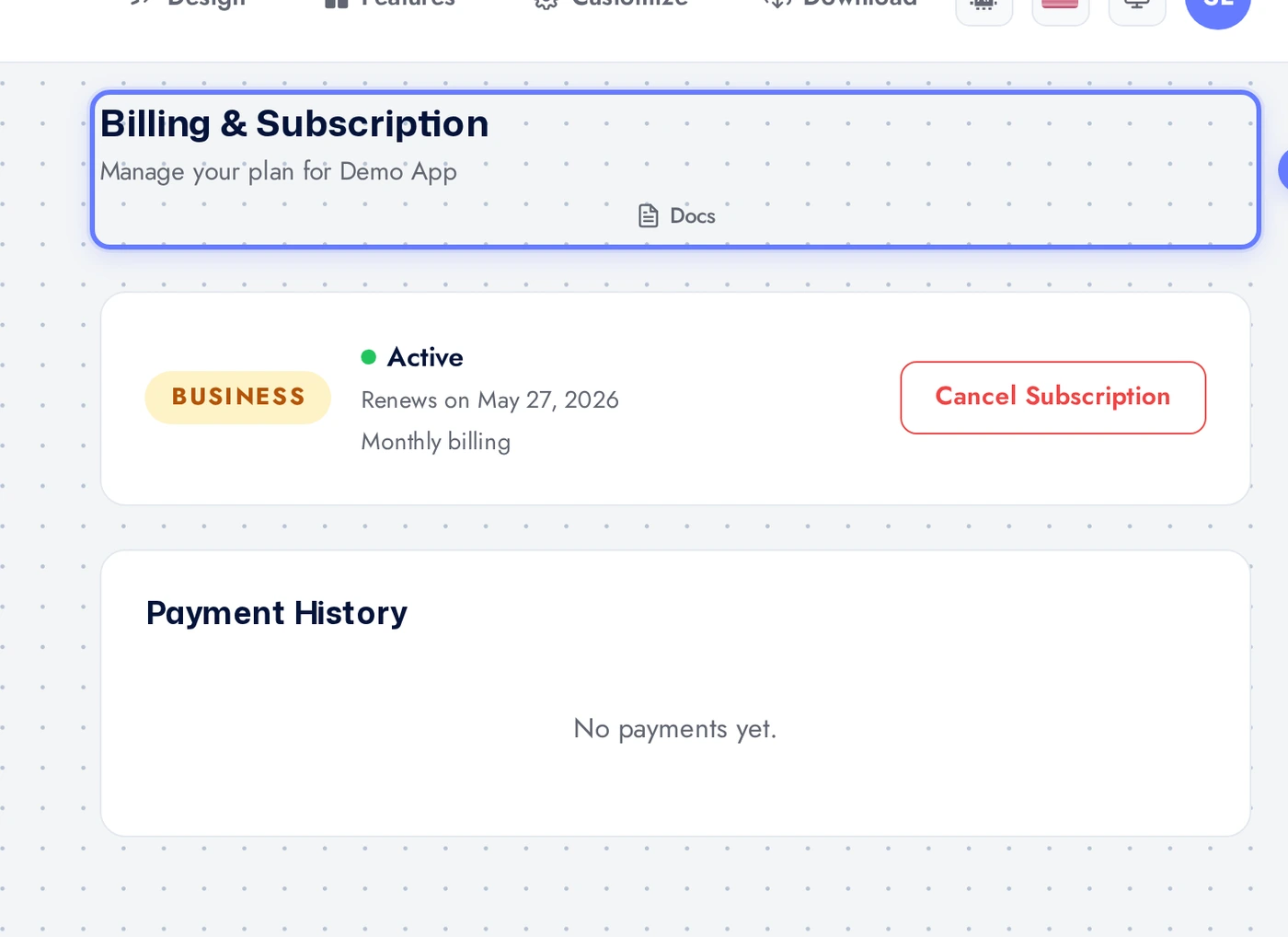
The top card shows your active plan (Free, Pro, Business, Enterprise), billing period (monthly or yearly), next renewal date, and price. Click Change plan to switch tiers. Upgrades are immediate and prorated; downgrades take effect at next renewal.
Publishing Subscriptions
If you have 1-Click Publishing enabled, the Publishing subscriptions section appears below the main plan card with your iOS and Android plans listed separately. Each has its own status, renewal date, and Cancel button. iOS and Android are billed independently because the underlying store fees and processes are different. Cancel either one without affecting the other or your main Swiftspeed plan.
Payment History
The Payment history section near the bottom lists every charge Swiftspeed has made: amount, date, plan, status (paid, refunded, failed). Click a row to download the PDF invoice for your accounting. Invoices include VAT or sales tax where applicable, auto-calculated from your billing address.
Tips
- Yearly billing is roughly 20 percent cheaper. Switch from monthly to yearly after the first 3 months when you are committed to the app.
- Plan changes do not affect your end-users. They see the same app regardless of what plan you are on; only the editor features available to you change.
- Failed payments give you a 7-day grace period. Update the card and the subscription resumes automatically.
- Downgrade rather than cancel if you are evaluating whether to keep the app. Keeps your app data intact and you can re-upgrade later.
- Publishing subscriptions are separate from your main plan. Cancelling Pro does not cancel your publishing subscriptions, and vice versa.
- Invoices include VAT or sales tax where applicable (auto-calculated from your billing address).